Whatever the shape, the pain is familiar. Manual data reconciliation eats up weeks. Employer and carrier connections drag on for months. Stale eligibility data creates real compliance risk when a terminated employee still shows as covered.
This guide covers what legacy system migration actually means, when it's worth pursuing, which strategies work, and how modern integration infrastructure can de-risk the transition without forcing a full rebuild.
Key Takeaways
- Move data, workflows, and integrations off outdated platforms onto modern, API-first infrastructure
- Pick rehosting, replatforming, refactoring, or full replacement based on cost and risk trade-offs
- Bridge legacy systems with an integration layer—no full rebuild—and cut onboarding time sharply
- Drive success with phased execution, rigorous data validation, and stakeholder buy-in from day one
What Is Legacy System Migration?
Legacy system migration means moving data, applications, and integrations off outdated software or hardware onto modern, cloud-based, API-first platforms. It sounds simple. In HR, benefits, and payroll, it rarely is.
Here's why legacy sticks around so long in this industry: proprietary data formats, SFTP-only exports, and business logic nobody documented ten years ago. Many HRIS, benefits, and carrier systems still support only file-based data exchange instead of modern APIs. File-only exchange is an architectural constraint that shapes every integration project downstream.
Migration isn't the same thing as modernization. Migration moves a system as-is to new infrastructure. Modernization rearchitects it for scalability, new features, and long-term flexibility. You can migrate without modernizing, and plenty of companies do exactly that, then wonder why the same problems reappear on new hardware.
Why Companies Stick With Legacy Anyway
If legacy is so painful, why hasn't everyone left? A few honest reasons:
- Cost: rebuilding core systems is expensive and slow
- Compliance recertification: new systems often trigger fresh audits and approval cycles
- Complexity: untangling years of custom logic is genuinely hard
- Resistance to change: teams that know the old system's quirks don't want to relearn everything
The Benefits-Specific Version of This Problem
In benefits administration, legacy migration usually means untangling eligibility, dependent, and enrollment data trapped across disparate carrier and HRIS systems. Failure modes show up constantly:
- A terminated employee's coverage doesn't update
- A new dependent doesn't sync
- A plan change sits in a spreadsheet for two weeks before anyone notices
These are the default state for platforms still running on file drops and manual reconciliation.
Signs Your Organization Needs a Migration
Not every legacy system needs to go immediately. But a few warning signs mean the clock is running out.
Watch for these three signals:
- Rising maintenance costs paired with a shrinking specialist talent pool
- Integration paralysis that blocks HR Tech, benefits, and analytics tools
- Security and compliance exposure on systems holding employee and dependent data
Rising maintenance costs with a shrinking talent pool. COBOL and proprietary carrier-feed specialists are aging out of the workforce. One industry estimate from 2019 put the average COBOL programmer's age at 58, with roughly 10% retiring annually — a workforce cliff that hasn't gotten shallower since.
The talent gap compounds a capacity problem. McKinsey has documented cases where 70% of an organization's IT capacity went toward simply maintaining legacy systems, leaving far less room for product development.
Integration paralysis. If your system can't talk to modern HR Tech platforms, benefits tools, or analytics software, you're stuck with data silos. Eligibility updates lag. Dependent changes go unnoticed. Every new integration requires custom code instead of a standard connection.
Security and compliance exposure. Unpatched systems handling sensitive employee and dependent data carry real risk. IBM's 2026 Cost of a Data Breach report puts the global average breach cost at $4.99 million, a 12% year-over-year jump.
That figure isn't legacy-specific, but the takeaway holds: the more sensitive the data your outdated system touches, the higher the stakes when something breaks.
Legacy Migration Strategies: Choosing the Right Approach
There's no single "correct" migration strategy. The right choice depends on system criticality, budget, and how much risk you can tolerate.
| Strategy | What It Involves | Risk Level | Cost | Timeline |
|---|---|---|---|---|
| Rehost | Move as-is to new infrastructure | Low | Low | Weeks |
| Replatform | Selective upgrades (e.g., managed database) | Medium | Medium | Weeks–months |
| Refactor | Rebuild with API-first architecture | High | High | Months–year+ |
| Replace | Swap for a new commercial/SaaS system | High | High | Months–year+ |
| Encapsulation/Integration layer | Wrap legacy system in an API layer | Low | Low–medium | Days–weeks |

When to Choose Each 4R Path
Rehosting ("lift-and-shift") is the right call when you need out of a failing data center fast. It won't fix brittle integrations — you've only moved them.
Replatforming fits teams that want quick wins (managed databases, better runtime) without touching core business logic. Use it when full rebuild ROI isn't clear yet.
Refactoring pays off when the platform must scale and expose clean APIs long term. Budget for the highest engineering cost and the longest timeline.
Replacement makes sense only when the legacy system is past saving. Plan for vendor-switch risk and a heavy change-management load before you commit.
Encapsulation: The Fastest Path to Value
When refactor or replace is too costly, a fifth path often wins: wrap the legacy system in an integration layer and leave it running.
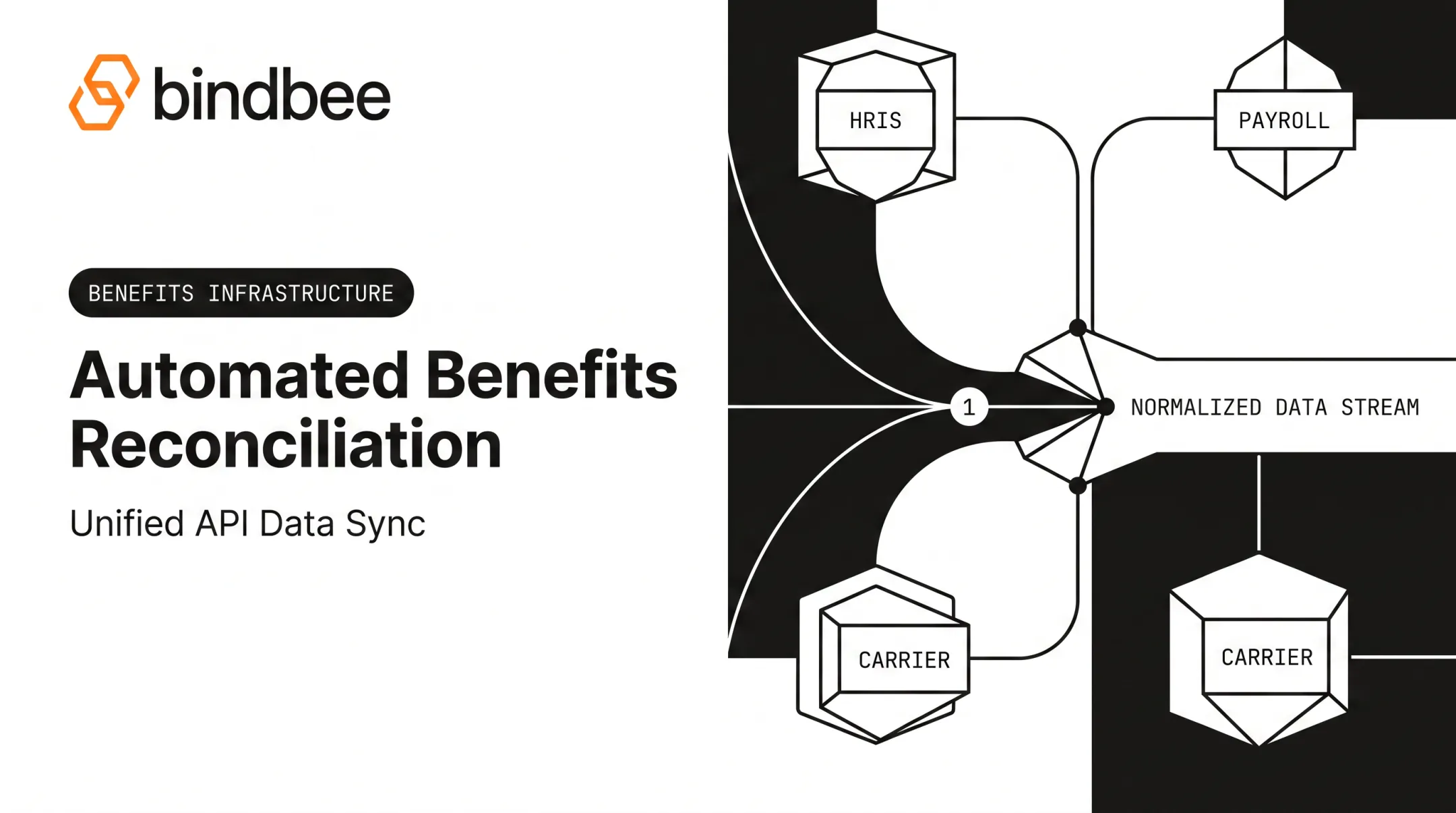
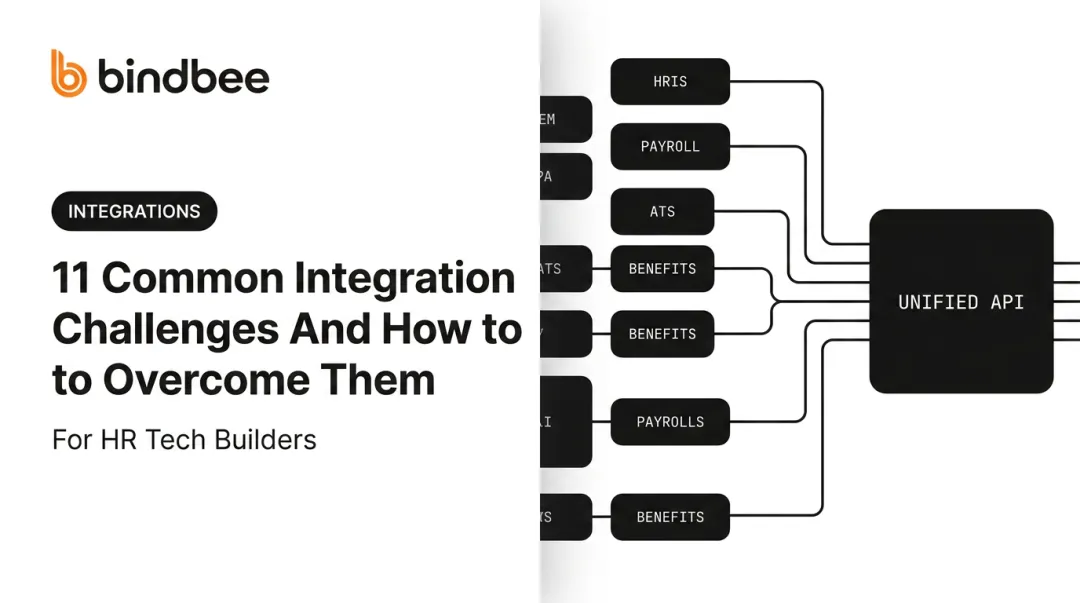
A unified API earns its keep here. Instead of rebuilding a legacy HRIS or carrier feed, you put a normalized layer in front of it. The source system stays as-is; the layer handles translation for every downstream consumer.
Bindbee's SFTP-to-API Bridge is built for this pattern. It ingests file drops in CSV, XML, and fixed-width formats, validates and enriches the data, then serves it through the same API endpoints used for modern REST integrations.
Newfront combined direct API connections with SFTP ingestion for legacy exports and cut census-data integration time from 12 weeks to 48 hours. The legacy systems were never replaced — they stopped being the bottleneck.

Step-by-Step Legacy Migration Process
A migration that skips steps tends to fail expensively. Follow this sequence instead:
- Assess and inventory — audit every legacy system, data dependency, and integration point before touching anything. You can't migrate what you haven't mapped.
- Define goals and pick a strategy — align the chosen approach (rehost, refactor, encapsulate, etc.) with business priorities and compliance requirements.
- Prepare the target environment — map and cleanse data before transfer. This is where most avoidable errors get caught early.
- Pilot and test — run the legacy and new systems in parallel, validate data accuracy, and fix issues on a small scale before full rollout.
- Execute in phases with rollback plans — cut over in controlled waves, keep a tested rollback path ready, and monitor performance, security, and user adoption after each wave.

This mirrors AWS's own large-migration guidance, which breaks migrations into assess, mobilize, and migrate-and-modernize phases.
For HR and benefits platforms, step 4 should prove data integrity before any production cutover. Validate:
- Record counts and enrollment status
- Effective dates and dependent relationships
- Downstream 834 file outputs
Overcoming Common Migration Challenges
Three challenges show up in nearly every legacy migration, HR-specific or not:
- Data complexity and integrity. Legacy and modern formats rarely match cleanly. Automated validation and reconciliation catch mismatches before they become compliance problems.
- Knowledge and skill gaps. Aging legacy expertise creates bottlenecks. Few people still understand thirty-year-old carrier feed logic, so training staff or bringing in specialized partners closes the gap faster than hiring alone.
- Business continuity risk. Poorly managed migrations disrupt live operations. Phased rollouts with thorough testing at each stage limit the blast radius if something goes wrong.
The Custom-Integration Trap
HR Tech and benefits platforms face a challenge of their own. Connecting dozens of legacy HRIS, payroll, and carrier systems one-by-one via custom code is one of the biggest drivers of migration delays. Each connection means learning a new data model, handling a different authentication scheme, and committing to ongoing maintenance as that system's API changes underneath you.
A unified API, like Bindbee's (which normalizes data across 60+ HR and benefits systems), removes this bottleneck. Instead of building and maintaining dozens of point-to-point integrations, engineering teams ship one connection and cover the long tail of systems their customers already use.
The pattern shows up repeatedly in practice:
- ThrivePass replaced batch 834 file processing with real-time webhooks, cutting onboarding from six weeks to under one week
- Cypherworx replaced CSV and SFTP workflows, dropping onboarding from 24 days to a few hours
- Healthee went from custom integrations taking more than two months per employer to same-day go-lives

None of these required the underlying legacy carrier or HRIS system to be rebuilt. The integration layer absorbed the complexity instead.
Frequently Asked Questions
What is legacy system migration?
Legacy system migration moves data, applications, and workflows from outdated systems to modern platforms. Common methods include rehosting, replatforming, refactoring, or wrapping the legacy system in an integration layer.
Is replacing a legacy system worth it?
It depends on how critical the system is and which approach fits. Rising maintenance costs and security risk often justify investment, but an integration layer can solve immediate pain without a full replacement.
Why do companies still use legacy systems?
Cost, complexity, compliance recertification, and resistance to change keep many systems in place. Rebuilding core systems is expensive, and new platforms often trigger fresh audits.
How long does a legacy system migration take?
Timelines range from days or weeks for encapsulation and API-bridging approaches to over a year for full rearchitecture. Scope, data quality, and compliance requirements all affect the timeline.
What is the difference between legacy migration and modernization?
Migration moves a system as-is to new infrastructure. Modernization rebuilds or rearchitects it for better scalability and new capabilities. Either can stand alone—you do not have to do both.
How can HR Tech and benefits platforms migrate without disrupting operations?
A unified integration layer lets legacy and modern systems run in parallel during the transition. Data flows through both paths until the new integration is validated, then the old connection retires with minimal disruption.