This is what happens when an HRIS, payroll platform, benefits administration system, and applicant tracking system (ATS) all store their own version of the truth. HR integration connects these systems so employee, benefits, payroll, and workforce data move reliably between them, cutting down repetitive data entry and giving everyone a clearer picture of who's actually employed, at what pay rate, with what coverage.
This guide covers what HR integration actually means, the systems and methods involved, how data flows across the employee lifecycle, and how to plan, build, and evaluate an integration project.
Key Takeaways
- HR integration links HRIS, payroll, benefits, ATS, time-tracking, and finance systems into one reliable data flow.
- Method selection depends on data sensitivity, update frequency, API availability, and legacy-system limits.
- Clean data, clear system ownership, and field mapping determine whether a project succeeds or stalls.
- Benefits and dependent data need dedicated handling since eligibility and effective dates affect payroll downstream.
What Is HR Integration?
HR integration is the structured exchange of employee-related data between two or more systems: HR, payroll, benefits, finance, identity, or recruiting platforms. Instead of someone manually re-typing a new hire's details into five separate tools, the systems talk to each other directly.
Related terms get used almost interchangeably, but they mean slightly different things:
- HR integration is the broad category covering any connection between HR-adjacent systems.
- HRIS integration specifically refers to connecting the core HR system of record to everything else.
- HR data integration emphasizes the movement and synchronization of the data itself, not the systems.
- HR API is the technical interface — the actual door through which one application reads or writes data to another.
What Disconnected Systems Actually Cost You
When systems don't talk to each other, the damage shows up in predictable ways:
- Duplicate employee records across platforms
- Delayed updates when someone changes roles or leaves
- Inconsistent fields between finance, HR, and payroll reports
- Onboarding that makes new hires fill out the same form three times
SHRM's analysis documents this pattern directly: disconnected HR tech creates repeated data entry and reports that don't match across systems. New-hire data flowing from an ATS to core HR is the clearest example of what integration should fix.
Separate industry research found the average organization now runs more than eight HR applications. That means more points where data can drift out of sync.
Pick One System of Truth Per Data Domain
"Single source of truth" sounds nice in theory, but it only works if you actually assign it. Decide, explicitly:
- Which system owns employee identity (usually the HRIS)
- Which system owns compensation (often HRIS or payroll)
- Which system owns benefits elections (typically the ben-admin platform)
- Which system owns time records (usually a dedicated timekeeping tool)
Integration isn't purely a technical exercise, either. It requires process design, data governance rules, access permissions, stakeholder buy-in, and a plan for handling exceptions when records don't match cleanly.
Which HR Systems and Integration Methods Are Common?
Before building anything, it helps to know what each system actually stores and which integration approach fits the job.
The Core HR System Categories
| System type | What it manages |
|---|---|
| HRIS / HCM | Employee profiles, job data, departments, managers, compensation |
| ATS / recruiting | Candidates, requisitions, offers, new-hire handoff data |
| Payroll & time | Pay rates, deductions, tax details, hours, overtime |
| Benefits & carriers | Eligibility, dependents, elections, plan details, effective dates |
| Learning, finance, identity | Development records, workforce analytics, access provisioning |
Comparing Integration Methods
Four approaches dominate real-world HR integration:
- Native or prebuilt connectors: fast for common software pairings, but limited to whatever the vendor already built.
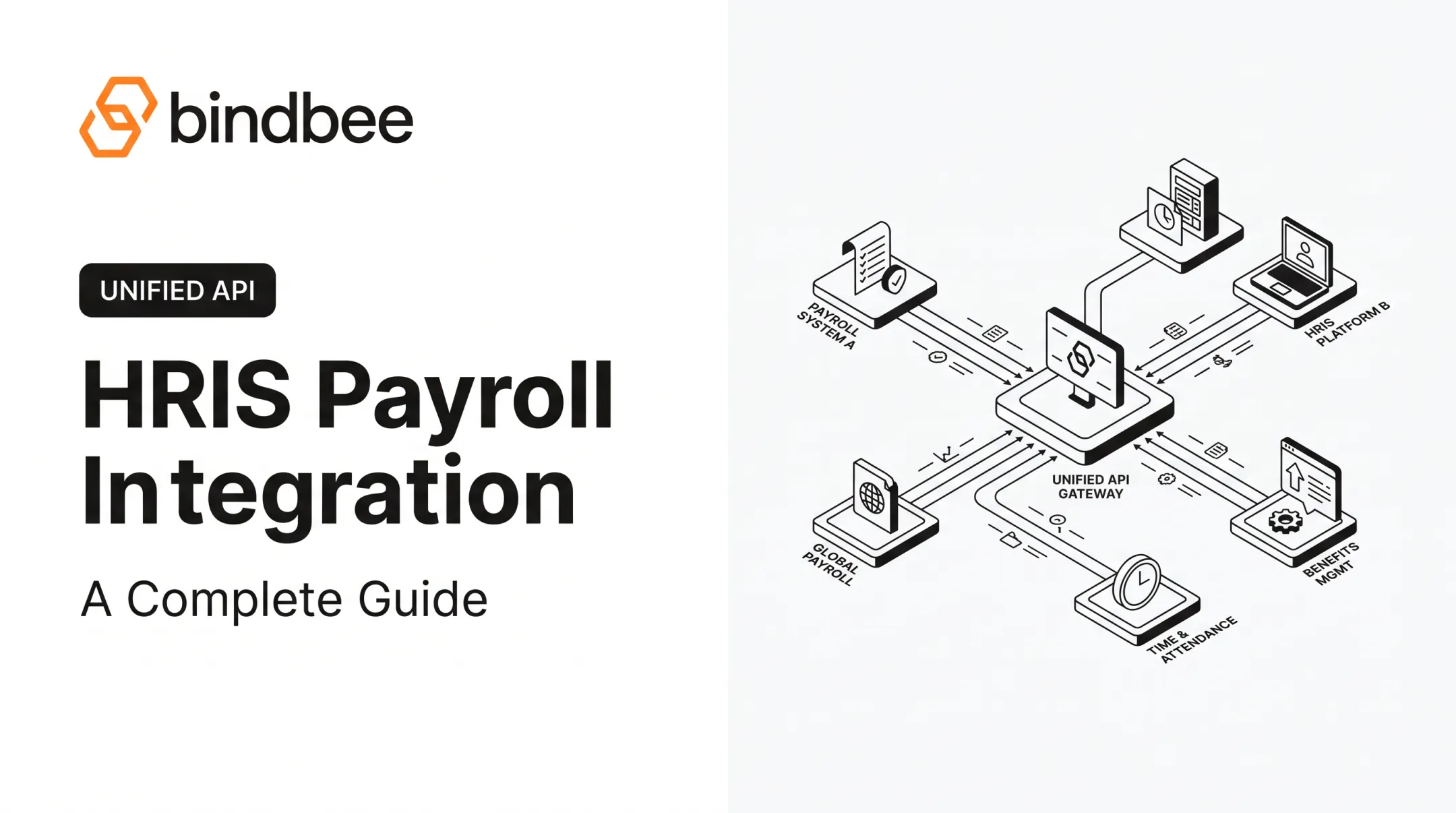
- Unified API or middleware: normalizes data across many systems with custom fields and centralized maintenance.
- Custom API-to-API builds: necessary for unusual workflows but expensive to maintain long-term.
- SFTP or scheduled batch transfers: still common for legacy platforms with no modern API available.

Sync timing matters too:
- Real-time syncing suits urgent changes like terminations
- Event-triggered updates work well for webhooks tied to specific actions
- Scheduled batch syncs fit low-urgency data like historical reporting
- Manual syncs should be a last resort for edge cases
This is where unified API platforms earn their keep. Bindbee, for instance, normalizes data across 60+ HR systems (including Workday, ADP, Gusto, Rippling, and UKG) through one API, with automatic incremental syncs so teams building HR products don't maintain dozens of separate connectors.
It also supports an SFTP-to-API bridge for legacy systems that still only export flat files, plus webhooks and custom fields for workflows that don't fit a standard schema.
How HR Integration Works Across the Employee Lifecycle
The basic integration flow works in sequence:
- A source system creates or changes a record
- The integration authenticates access and maps relevant fields
- Values transform where formats differ
- Data moves to the target system and the outcome is logged
Onboarding, Status Changes, and Promotions
When a candidate is marked "hired" in an ATS, that single action can trigger record creation across the HRIS, payroll, benefits, and identity-provisioning systems simultaneously. Fields typically included:
- Name, contact information, job title, department, manager
- Start date, compensation, employment status
- Tax information and work location
Promotions, salary changes, and terminations follow the same principle but carry more risk. Effective dates, approval states, and historical records all matter here: an unapproved salary bump should never reach payroll before HR signs off on it.
Benefits and Dependent Data
Benefits data deserves its own category because eligibility rules are unforgiving. The IRS defines full-time status for employer shared-responsibility purposes as averaging 30 hours per week or 130 hours per month, a threshold that directly determines coverage eligibility according to the IRS's guidance.
Get that hours calculation wrong, and a dependent's coverage can lapse without anyone noticing until a claim gets denied.
Benefits-first data models keep employee benefits, employer benefits, and dependent benefits as separate objects, since downstream payroll and carrier systems often need that distinction preserved rather than flattened into one record.
Payroll, Finance, and Exception Handling
Pay rates, deductions, benefit contributions, approved hours, and cost centers all need to move cleanly between HR, payroll, and finance systems. Integration reduces the reconciliation burden significantly, though payroll and tax calculations still require sign-off from qualified professionals. Automation handles the data movement, not the compliance judgment.
Webhooks or event notifications alert connected systems to new hires, terminations, or dependent changes as they happen. But automation still needs oversight. Failed records, incomplete fields, and rejected values need retry logic, error logs, and a human who reviews what didn't sync — not just a dashboard nobody checks.

How to Plan, Implement, and Evaluate HR Integrations
A good integration project starts before anyone writes a line of code.
Audit, Then Prioritize
Inventory every HR, payroll, benefits, finance, and recruiting system in use. Document what each stores, where manual handoffs happen, and which workflows cause the most errors. Then rank use cases by:
- Business impact and data sensitivity
- Transaction volume and employee impact
- Compliance risk
- Implementation complexity
Start with one bounded flow — new-hire data or benefits eligibility, for example — rather than trying to connect your entire stack at once.
Define Requirements and Vet Security
Specify supported systems, required and custom fields, sync direction, and update frequency. Then dig into security:
- Encryption and authentication methods
- Role-based, least-privilege access
- Audit trails and incident response procedures
- Vendor compliance documentation
Ask vendors directly how they handle sensitive payroll, benefits, and dependent data. Bindbee, as one example, maintains SOC 2 Type II and ISO 27001 certifications, which is the kind of documentation worth requesting from any integration partner before data starts flowing through them.
Implement in Phases, Then Measure
Clean source data first — identifiers, job titles, plan codes, relationship types — before mapping anything. Test real scenarios: new hires, rehires, promotions, dependent additions, terminations, and partial failures. Get sign-off from HR, payroll, benefits, and security stakeholders before going live.

Once running, track what actually matters:
- Manual touches removed
- Sync success rate and error volume
- Time to resolve exceptions
- Onboarding completion time
A strong integration should give you sync notifications, clear error details, retry options, and an auditable history of what changed and where it went. If you can't answer "why did this record fail" in under five minutes, the monitoring isn't good enough yet.
Frequently Asked Questions
What are HR integrations?
HR integrations are connections that let HR, payroll, benefits, recruiting, and finance systems exchange employee data automatically, either through APIs or structured file transfers like SFTP.
What are the main types of HR systems?
The main categories are HRIS/HCM, ATS, payroll, benefits administration, time and attendance, performance, learning, identity, and finance or reporting systems. Each stores a different slice of employee data.
What are some good HR-related software options?
The right choice depends on company size, workflows, benefits complexity, API availability, and budget. There's no single "best" option, only the one that fits your specific data and reporting needs.
What is cloud-based HR software?
Cloud-based HR software is hosted and maintained by a provider and accessed online, rather than installed on local servers. Integration and data-governance requirements still apply regardless of hosting model.
How does HR integration work?
It involves authenticating access between systems, extracting and mapping data fields, transforming values where formats differ, then delivering and syncing the result, with monitoring and exception handling along the way.
How do you choose an HR integration solution?
Evaluate system coverage, data models, benefits and dependent support, security certifications, sync frequency, and total implementation effort. Weigh these against your internal engineering capacity before committing.