Introduction
Picture this: your platform just signed a customer who runs payroll through three different vendors across two countries. One system sends dates as MM/DD/YYYY. Another uses ISO 8601. Job titles, pay frequencies, and employment categories don't match across any of them.
This is the daily reality for HR tech, benefits, and fintech platforms trying to connect to payroll data at scale. Add country-specific tax rules, inconsistent authentication methods, and highly sensitive employee information, and a "simple" integration becomes a multi-month engineering project.
This guide explains global payroll APIs as integration infrastructure, not payroll processing. You'll learn the difference between reading payroll data and actually running payroll, the architecture behind these systems, the real compliance risks involved, and how to evaluate a provider before you sign a contract.
Key Takeaways
- A global payroll API standardizes how software connects to payroll and HR systems across countries and vendors
- Not every provider calculates taxes, files returns, or moves funds ; verify exact capabilities before building
- Data coverage, geographic support, sync method, security, and write access matter most during evaluation
- Unified APIs cut integration maintenance but don't remove the need for local compliance expertise
What Is a Global Payroll API?
A payroll API, in practical terms, is a set of authenticated endpoints that let software read, write, or synchronize payroll-related information programmatically. Instead of exporting a spreadsheet from ADP or logging into Workday manually, your application calls an endpoint and gets structured employee and pay data back.
What makes an API "global" isn't just geography. It's the ability to handle multiple payroll vendors, currencies, employment types, pay schedules, and the local fields each country's payroll system requires. A UK National Insurance number looks nothing like a US Social Security number, and both need somewhere to live in your data model.
The Three Categories of Payroll Infrastructure
Payroll infrastructure generally splits into three buckets:
- Payroll data APIs: connect to existing systems and expose employee, compensation, benefits, deduction, and payroll-run information without processing anything
- Payroll-as-a-service APIs: may calculate payroll, handle tax filings, or facilitate payments as embedded operations
- Tax or compliance APIs: focus on rules and calculations, often without full system connectivity or payroll processing
Common Payroll Data Objects
Developers working with these APIs typically encounter a recurring set of objects:
- Identity and structure: companies, employees, employments, jobs
- Compensation: pay rates, pay groups, earnings, deductions, taxes, benefits
- Execution and output: payroll runs, bank details, reimbursements, pay statements
Getting these mapped correctly is most of the integration work.
Syncing Data vs. Executing Payroll
Here's a distinction that trips up a lot of teams: syncing an employee's compensation data into a benefits platform is not the same as submitting a payroll run for payment. The first is a read (or write-back) operation against existing records. The second triggers calculations, approvals, and fund movement. A payroll data API typically handles the former; it rarely touches the latter.
Payroll complexity isn't just a multi-country problem. It's a multi-agency one. PwC's 2025 report assessed payroll across more than 50 countries and found that Switzerland alone requires coordination with 26 cantonal tax authorities and more than 70 social-security offices. Multiply that by every market your platform serves, and the case for standardized infrastructure becomes obvious.
How Global Payroll APIs Work: Data, Architecture, and Integrations
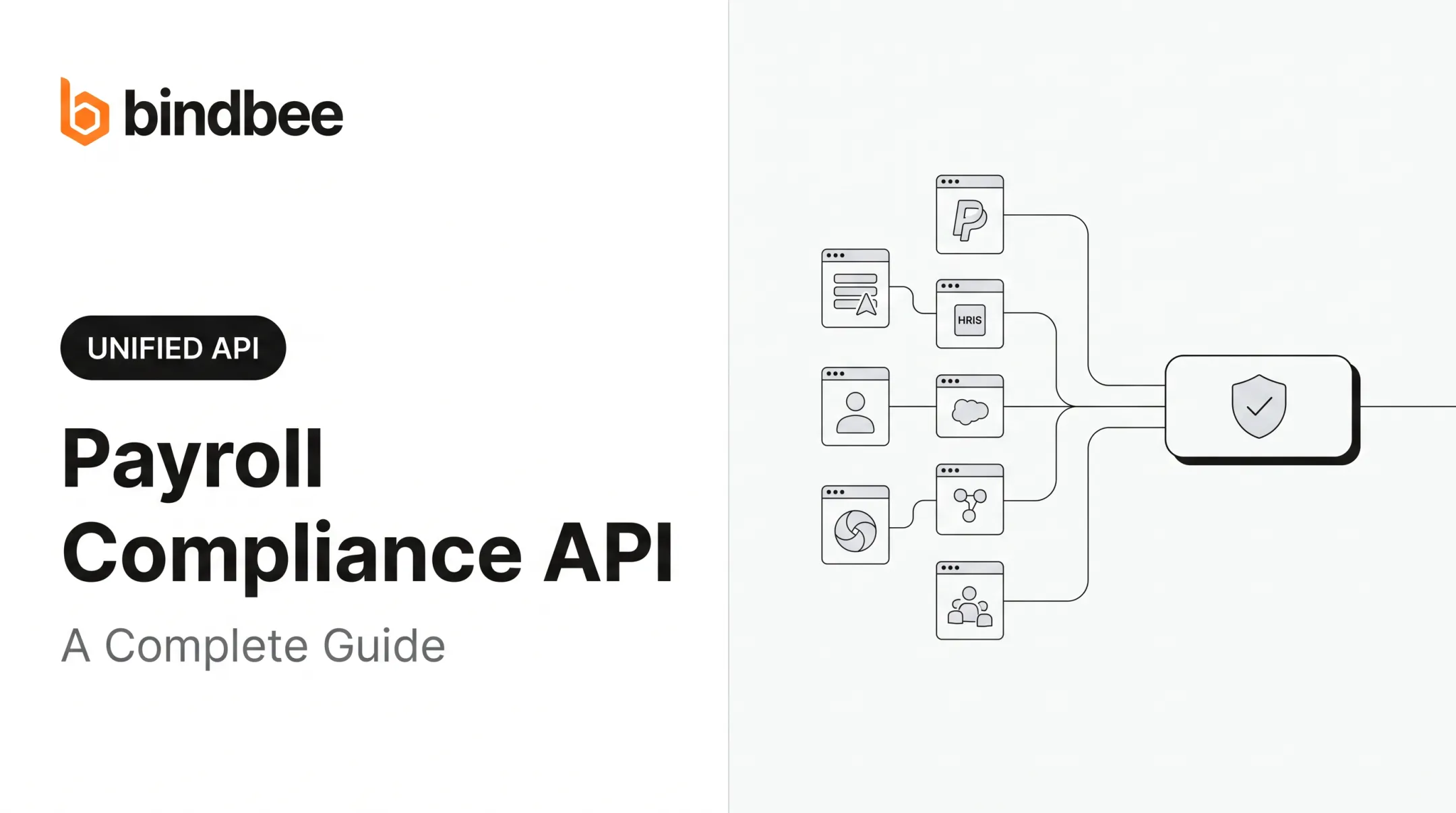
A typical integration flow moves through several stages: customer authorization, connection to the source system, data retrieval or write-back, normalization, synchronization, webhook delivery, and error handling. Each stage introduces its own failure points.

Authentication and Authorization
Providers support different authentication patterns - OAuth, API keys, service accounts, embedded authorization flows, or administrator approval - and the supported method varies system by system. IETF's OAuth standard defines the authorization-grant and token framework most modern payroll systems rely on, but implementation details still differ between vendors. Xero AU's native API, for example, requires its own OAuth token-refresh handling before you write a single line of business logic.
Data Normalization
Different systems name the same thing differently. One HRIS sends dates as MM/DD/YYYY; another uses ISO 8601. Pay frequencies, identifiers, and employment classifications rarely match out of the box. Normalization maps all of it into one consistent internal schema.
Synchronization Models
Three models typically cover most use cases:
- Real-time or pass-through requests - pull current source data on demand
- Scheduled or incremental syncs - keep a local data model updated on a cadence
- Webhooks or event notifications - push updates for hires, terminations, payroll changes, and dependent updates
What Developers Need to Plan For
Beyond the happy path, build for pagination, rate limits, asynchronous jobs, idempotency, retries, source-system errors, audit logs, field-level permissions, and version changes. Legacy systems that only export files still matter here : an SFTP-to-API bridge can bring older payroll systems into a modern integration layer, provided the files are validated before import.
Build vs. buy, at a glance:
| Factor | Direct Integrations | Unified API |
|---|---|---|
| Engineering control | Full control, full burden | Shared, less granular |
| Launch speed | Weeks to months per vendor | Days across all vendors |
| Maintenance | Ongoing, per-connector | Handled by provider |
| Provider coverage | Limited to what you build | Broad, pre-built |
| Vendor dependency | Low | Moderate |
Papershift's own experience illustrates the cost of going direct: third-party integration projects stretched up to three months per HRIS connection, at premium prices, before standardizing on a unified layer.
Global Payroll API Use Cases for HR and Payroll Platforms
Payroll platforms use these APIs to keep employee records, compensation, deductions, benefits elections, pay statements, and payroll-run status synchronized across product modules, without building a custom connector for every vendor a customer happens to use.
Benefits Administration
Benefits platforms lean on payroll APIs for eligibility checks, coverage elections, effective dates, dependent relationships, employer contributions, and deduction synchronization. A platform might read a new coverage election (tier, employee contribution, start date), then write the corresponding deduction back to Workday, ADP, or UKG automatically.
HR, Finance, and Fintech Use Cases
Beyond benefits, the use cases stack up quickly:
- Workforce and HR: onboarding, offboarding, lifecycle events, compensation changes, time tracking, reimbursements
- Finance and fintech: accounting reconciliation, employer-cost reporting, income verification, earned-wage access (permissions and regulatory obligations vary by use case)
- Global employment: supporting distributed teams, contractor management, multiple currencies, and country-specific fields, without the API replacing local legal or tax expertise
This kind of integration is already standard practice. In ADP's 2025 survey of 1,825 senior payroll leaders across 20 countries, 43% reported payroll integrated with benefits systems in every country they operate, and 45% reported the same for HR systems.

Who benefits most: payroll platforms, HR technology companies, benefits administrators, insurtechs, third-party administrators, employee engagement platforms, and vertical SaaS products that touch employment data without owning the system of record.
Compport, a compensation management platform, used this exact approach: connecting once to a standardized dataset instead of mapping each HRIS individually, cutting integration time significantly in the process.
Challenges and Compliance Considerations
Payroll data isn't like typical SaaS data. It includes compensation figures, tax identifiers, bank details, home addresses, benefits elections, and employment history: the kind of information that draws regulatory scrutiny by default.
Compliance areas to verify for each target market:
- Tax and social contribution rules
- Privacy requirements and data residency
- Retention schedules and consent requirements
- Access control and auditability
- Cross-border transfer restrictions
Requirements shift by jurisdiction and change over time, so confirm current obligations for every market you touch rather than assuming last year's rules still apply.
Operational risks worth planning for:
- Stale data from failed or delayed syncs
- Duplicate records and mismatched employee identifiers
- Failed webhooks or partial writes
- Provider downtime and rate limits
- Breaking changes to source-system APIs
Be direct about limits: an integration API connects systems and synchronizes records. It isn't automatically responsible for tax calculations, filings, employer-of-record services, payroll liability, or payment settlement. Confirm which of those your provider actually handles.

Baseline governance controls should include:
- Encryption and least-privilege access
- Secrets management and tenant isolation
- Audit logs and continuous monitoring
- Incident response plans and sandbox testing
- A documented data-deletion process
How to Choose and Implement a Global Payroll API
Start with a requirements inventory before evaluating a single vendor:
- Target countries and payroll providers
- Employee and contractor coverage
- Read versus write needs
- Required objects, currencies, and pay schedules
- Expected synchronization frequency
Evaluating Coverage Beyond the Logo List
A provider's customer logos tell you nothing about whether they support the exact field you need. Check actual endpoints, supported fields, regional availability, sandbox access, write support, webhook events, SFTP handling, and documented limitations per connection, not just whether a system appears on a marketing page.
Compare your three real options:
| Option | Who owns compliance | Maintenance | Speed to launch |
|---|---|---|---|
| Direct integrations | You | High, ongoing | Slow |
| Unified payroll API | Shared, provider handles connectivity | Low | Fast |
| Payroll-as-a-service | Provider (for covered functions) | Lowest | Varies |
Implementation Sequence
- Define your canonical data model and map source-specific fields before writing production workflows
- Build core infrastructure: authorization, connection health checks, initial and incremental sync, webhook processing, retries, reconciliation, and customer-facing error states
- Test edge cases: hires, terminations, compensation changes, benefits changes, payroll corrections, duplicate events, missing fields, and provider downtime
Bindbee fits into this architecture as the integration layer itself: a unified API connecting to 60+ payroll, HRIS, and benefits systems. It includes automatic incremental syncs, webhooks for lifecycle events, custom field support, and an SFTP-to-API bridge for legacy systems that only export files.

Budgie Health, for example, completed its initial connection in three days and had 30 HR and payroll integrations running by day four.
To be clear on scope: Bindbee is SOC 2 Type II and ISO 27001 certified as an integration platform, but it functions as a data connectivity layer, not a tax engine, payroll processor, payroll filer, or funds-movement provider. Confirm those capabilities separately if your use case requires them.
Vendor due-diligence checklist:
- Security documentation and certifications
- Geographic and provider coverage, verified field-by-field
- Data-processing terms and uptime commitments
- Change management and versioning policy
- Pricing model and implementation support
- Exit and data-portability options
Frequently Asked Questions
How much does it cost to outsource payroll?
Cost depends on employee count, countries covered, worker types, pay frequency, tax filings, implementation, and support level. It also depends on whether you need full payroll processing or just payroll data connectivity: these are priced very differently.
What is a payroll API?
A payroll API is a programmatic interface for accessing or updating payroll-related data, such as employee records, compensation, and deductions. It's distinct from a complete payroll processing service that calculates pay and files taxes.
What is a third-party payroll provider?
A third-party payroll provider manages some or all payroll operations for an employer, potentially including calculations, filings, payments, reporting, and employee support. Using one doesn't remove the employer's underlying tax obligations.
What is global payroll?
Global payroll means managing compensation and related obligations for workers across multiple countries, each with different tax rules, currencies, pay schedules, benefits, and employment regulations.
Can a global payroll API calculate and file payroll taxes?
It depends on the provider. Some payroll-as-a-service or tax APIs support calculations and filings; payroll data APIs generally connect and synchronize information without taking on tax compliance responsibility.
How do you choose a global payroll API?
Evaluate country and provider coverage, supported data objects, read/write capability, synchronization methods, webhooks, security certifications, compliance scope, documentation quality, pricing, and implementation support, in that order of priority.