That pressure puts engineering teams at a fork in the road. Do you build a Unified API layer, or invest in an Embedded iPaaS? The choice shapes your velocity, your maintenance load, and how fast you can say "yes" to the next enterprise prospect.
This post compares both models specifically on speed-to-market for HR tech, benefits admin, and payroll platforms.
TL;DR
- Unified API: one normalized schema across 60+ HRIS, payroll, and benefits systems—built for speed.
- Embedded iPaaS: deeper customization, but you build each connector and workflow yourself.
- Time-to-market: Unified API usually wins for benefits and HR tech by cutting per-connector engineering.
- Choose Embedded iPaaS when bespoke, per-customer workflow logic is your product differentiator.
- Decision rule: pick standardized data for speed; pick customizable workflows when depth is the product.
Unified API vs Embedded iPaaS: Quick Comparison
| Factor | Unified API | Embedded iPaaS |
|---|---|---|
| Time-to-Market | Fast: one integration, many systems | Slower: each connector/workflow built separately |
| Engineering Effort | Low ongoing effort; provider handles normalization | Higher; internal team builds and maintains workflow logic |
| Maintenance Burden | Minimal: vendor absorbs API changes, auth, schema drift | Ongoing: your team owns upkeep of each workflow |
| Customization Depth | Standardized data models across systems | Deep, bespoke per-customer logic possible |
| Best Fit Use Case | Broad HRIS/payroll/benefits connectivity at scale | Complex, non-standard workflow orchestration |

What is a Unified API?
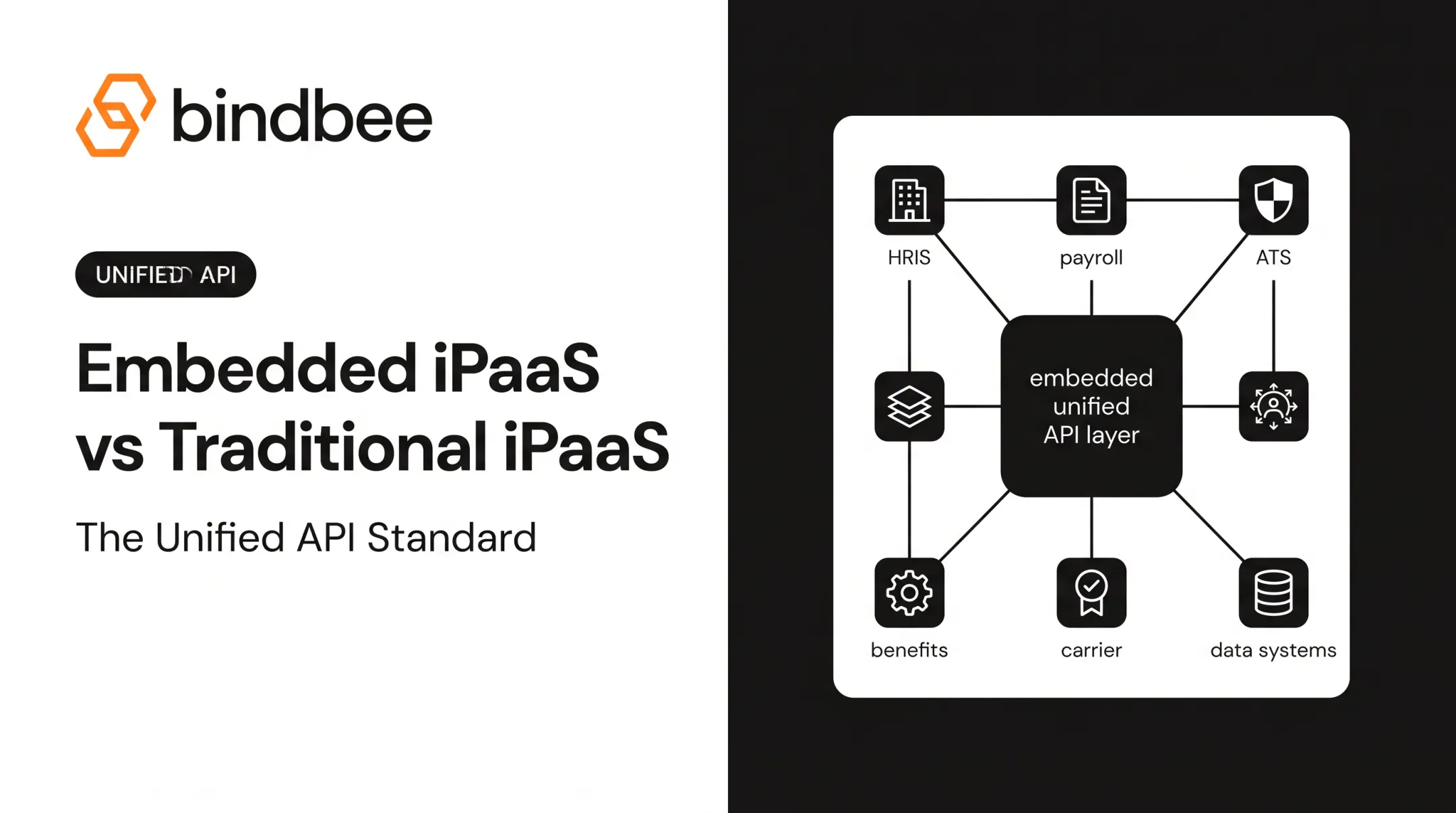
A Unified API is a single integration layer that normalizes data models across dozens of third-party systems. Instead of writing separate code for Workday, ADP, BambooHR, and Gusto, you write to one schema. The provider maps each underlying system's quirks back to that common model.
For benefits and HR platforms, this matters because eligibility, dependent, and enrollment data looks different in every source system. A unified layer means you get consistent fields regardless of which HRIS an employer runs.
What you gain in practice:
- Fewer engineering hours spent maintaining provider-specific code
- Faster employer onboarding since new HRIS connections don't require new development
- Always-current data through automatic incremental syncs and webhook notifications
Benefits-First Data Models
Some Unified API providers, including Bindbee, ship benefits-specific models: distinct Employee Benefits, Employer Benefits, and Dependent Benefits objects.
Employee Benefits covers plan name, provider, coverage tier, contributions, and effective dates. Employer Benefits covers plan offerings and contribution rules at the company level. Dependent Benefits ties each dependent to a plan, coverage dates, and eligibility details. Product teams implement against benefits logic directly instead of reverse-engineering generic HR objects.
Setup Time: Unified API vs. Native Builds
The gap is large. Native, point-to-point integrations typically take 4–8 weeks per connector. Unified API connections can be live in under a day. Across dozens of HRIS systems, that difference compounds fast in engineering time saved.

Use Cases of Unified API
Unified APIs fit best in product categories where breadth matters more than bespoke logic:
- Rapid employer onboarding — benefits platforms bringing new employer groups live
- Payroll sync — deduction mapping and write-back
- Carrier/benefits enrollment data — TPAs and insurtech products
Real example: Before adopting a Unified API, Healthee's custom HRIS integrations took more than two months per employer, with weeks of manual back-and-forth just to collect census data. After switching, employers could connect their HRIS and go live the same day.
Results after the switch:
- Integration deployment: 8–12 weeks → 24–48 hours
- Client onboarding: 82% faster
- Engineering cost saved: $150,000+ annually

Engineers redirected that capacity to Healthee's core AI-powered benefits product instead of integration plumbing.
What is Embedded iPaaS?
Embedded iPaaS is integration infrastructure built into a SaaS product, letting customers connect other tools through a workflow builder or bespoke connector engine. IBM describes it as infrastructure that presents integrations as native product features, even though a third-party vendor handles the backend.
This model fits when integrations need to handle workflow logic, not just data access: multi-step automations, conditional triggers, or custom field mapping unique to one enterprise customer.
Core benefits:
- Flexibility to build unique, per-customer workflows
- Support for non-standard data models and edge-case business logic
- Customer-facing configuration, often without engineering involvement per integration
Two common flavors exist: low-code visual builders (drag-and-drop workflow canvases) versus code-first embedded platforms. Some are white-labeled to look native; others expose the vendor's branding.
Use Cases of Embedded iPaaS
Embedded iPaaS fits products where integrations must handle highly custom fields or objects specific to individual enterprise accounts:
- Complex B2B workflow automation
- Multi-app orchestration
- Products where the integration itself is a paid feature tier
Setup timelines scale with complexity. Vendor guidance from Prismatic suggests embedded platforms can cut integration development from months to weeks or days — that's per integration, not per platform. Each new connector still requires its own build cycle, generally measured in weeks rather than hours.
Unified API vs Embedded iPaaS: Which Delivers Faster Time-to-Market?
Time-to-market comes down to three variables: how many integrations you need, whether the data can be standardized, and how much workflow customization your product actually requires.
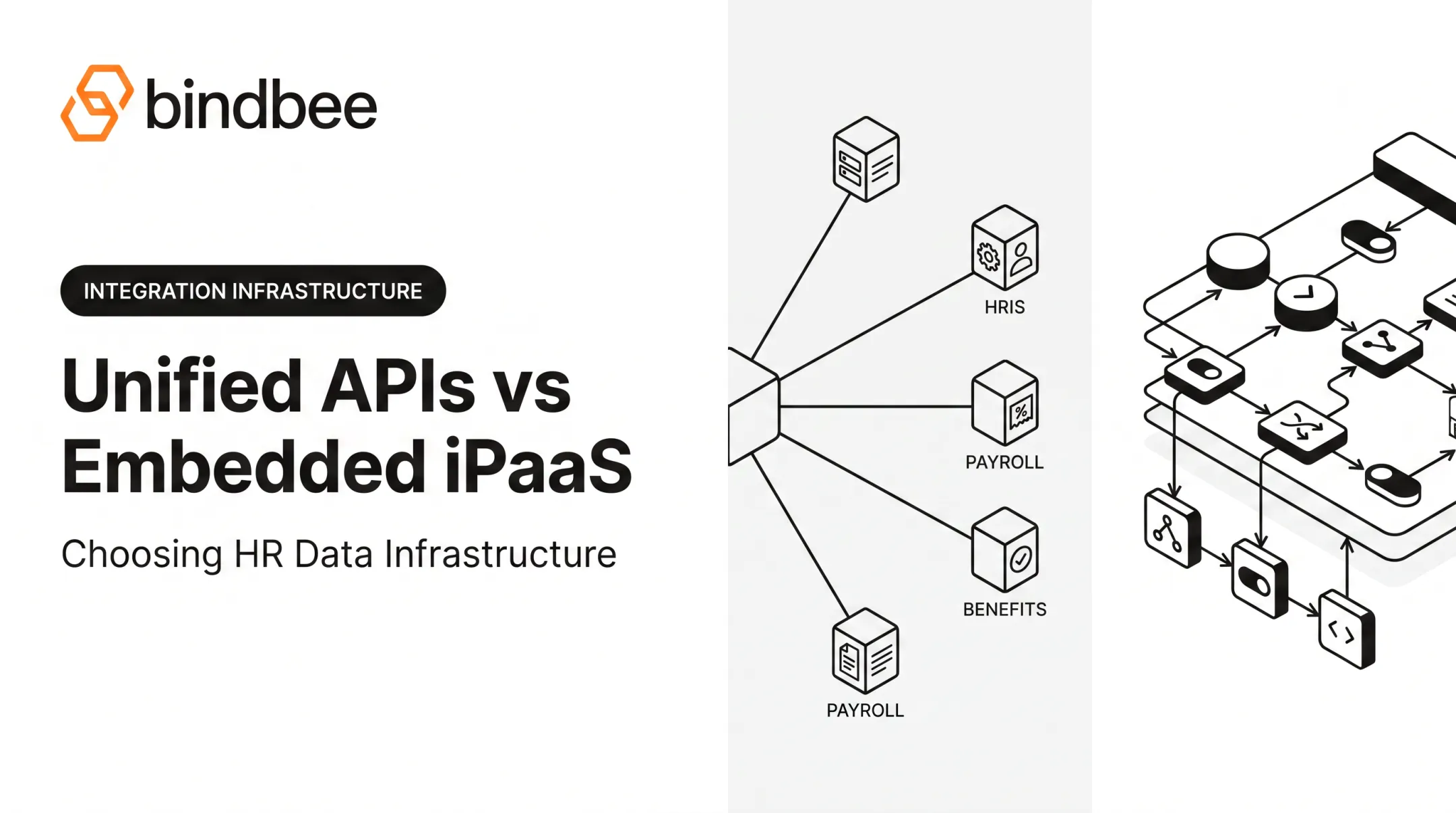
Unified API generally wins on pure speed. Pre-normalized data models mean adding a new HRIS connection requires zero per-connector engineering. Embedded iPaaS, by design, requires building (or at minimum configuring) each customer integration individually.
That difference scales linearly with your customer base: the more employers or accounts you onboard, the wider the gap grows.
Choose Unified API if:
- You need broad, fast connectivity across many HRIS/payroll/benefits systems
- Standardized data is enough to power your core product experience
- Engineering time is better spent on product than on connector maintenance
Choose Embedded iPaaS if:
- Deep, bespoke workflow logic per customer is your actual differentiator
- Your customers need to build their own automation rules in-product
- Per-customer configuration overhead is acceptable for the use case
Case in point: Phin, an employee-gifting platform, connected to HR data across more than 100 systems using a Unified API. The result: a 76% reduction in onboarding time for new customers and a 94% optimization in Time-to-Value. These aren't platform-wide averages; they're Phin's own documented case study results. They show what's achievable when standardized data replaces one-off connector builds.

This is the gap Bindbee is built around. By normalizing data across 60+ HR systems into one API, with zero-maintenance integrations and SOC 2 Type II and ISO 27001 compliance built in, Bindbee lets benefits-first platforms skip the connector-by-connector grind entirely.
Quick takeaway: For most teams shipping benefits, payroll, or HR data integrations at scale, speed favors Unified API. Bespoke workflow complexity favors Embedded iPaaS.
Conclusion
Neither model wins in every case. The right choice depends on what your product actually needs.
- Choose a Unified API when you need standardized, fast data access across many HRIS and payroll systems. It removes the per-connector engineering tax that slows enterprise deals down.
- Choose Embedded iPaaS when differentiation lives in deeply customized, per-customer workflow logic. You get that flexibility at the cost of building each integration separately.
For most HR tech, benefits admin, and payroll platforms, outcomes beat labels: faster employer onboarding, lower engineering overhead, and bandwidth back for the product work that differentiates you.
Frequently Asked Questions
What is iPaaS used for?
iPaaS connects internal or customer-facing systems to automate data flow and workflows across applications. Teams use it for multistep processes, keeping data consistent, and linking apps into shared workflows.
What is the difference between a Unified API and an Embedded iPaaS?
A Unified API normalizes data across many systems into one schema for fast, standardized access. Embedded iPaaS provides customizable workflow-building tools but requires each integration to be built individually.
Which is faster to implement, a Unified API or Embedded iPaaS?
A Unified API is typically faster since it eliminates per-connector engineering work. Embedded iPaaS setup time scales with each new integration or workflow you build.
Can a company use both a Unified API and Embedded iPaaS together?
Yes. Teams often use a Unified API for standardized data access, then layer workflow automation on top for specific customer needs that require bespoke logic.
How does a Unified API reduce engineering maintenance?
The vendor absorbs API changes, authentication management, and data syncing so internal engineers aren't maintaining individual connectors. Schema drift, provider version updates, and auth complexity become the vendor's problem, not yours.
Is a Unified API secure enough for sensitive HR and benefits data?
Reputable vendors maintain compliance standards like SOC 2 Type II, ISO 27001, and HIPAA compliance. Bindbee, for example, supports all three, with encryption in transit and at rest.