This buy-vs-build decision shapes engineering velocity, time-to-market, and how much your team spends firefighting API changes instead of shipping features. A 2013 study of healthcare information systems found that maintenance accounts for roughly 90% of total software lifecycle cost — a stark reminder that building an integration is the easy part; keeping it alive is the real expense (PMC study on software maintenance costs).
Here's how to think through the decision.
Key Takeaways
- Custom integrations offer full control but demand ongoing engineering for auth changes, schema drift, and rate limits.
- Integration platforms cut setup from weeks to hours by shifting maintenance to a vendor.
- Choose based on integration volume, engineering bandwidth, and compliance needs.
- Most mature SaaS companies use a hybrid model: platform for common connections, custom for strategic ones.
API Integration Platform vs Custom Integrations: Quick Comparison
| Dimension | Integration Platform | Custom Integration |
|---|---|---|
| Setup time | Hours to a few days per connection | 4-8 weeks per API, depending on complexity |
| Engineering cost | Subscription/usage-based, minimal dev hours | Dedicated engineering resources, ongoing |
| Maintenance | Vendor handles API changes, auth updates, deprecations | Internal team monitors and patches every third-party change |
| Data normalization | Unified data models across all systems | Each integration returns a different schema |
| Compliance | Often pre-certified (SOC 2, ISO 27001, HIPAA) | Must be built and audited per integration |
| Control | Limited to platform's supported logic (though custom fields are common) | Full control over edge cases and proprietary workflows |
According to a 2023 Merge survey of 260 product managers and engineers, 71% said a single integration takes at least three weeks to reach market. That's the custom-build reality most teams underestimate going in.

What Is an API Integration Platform?
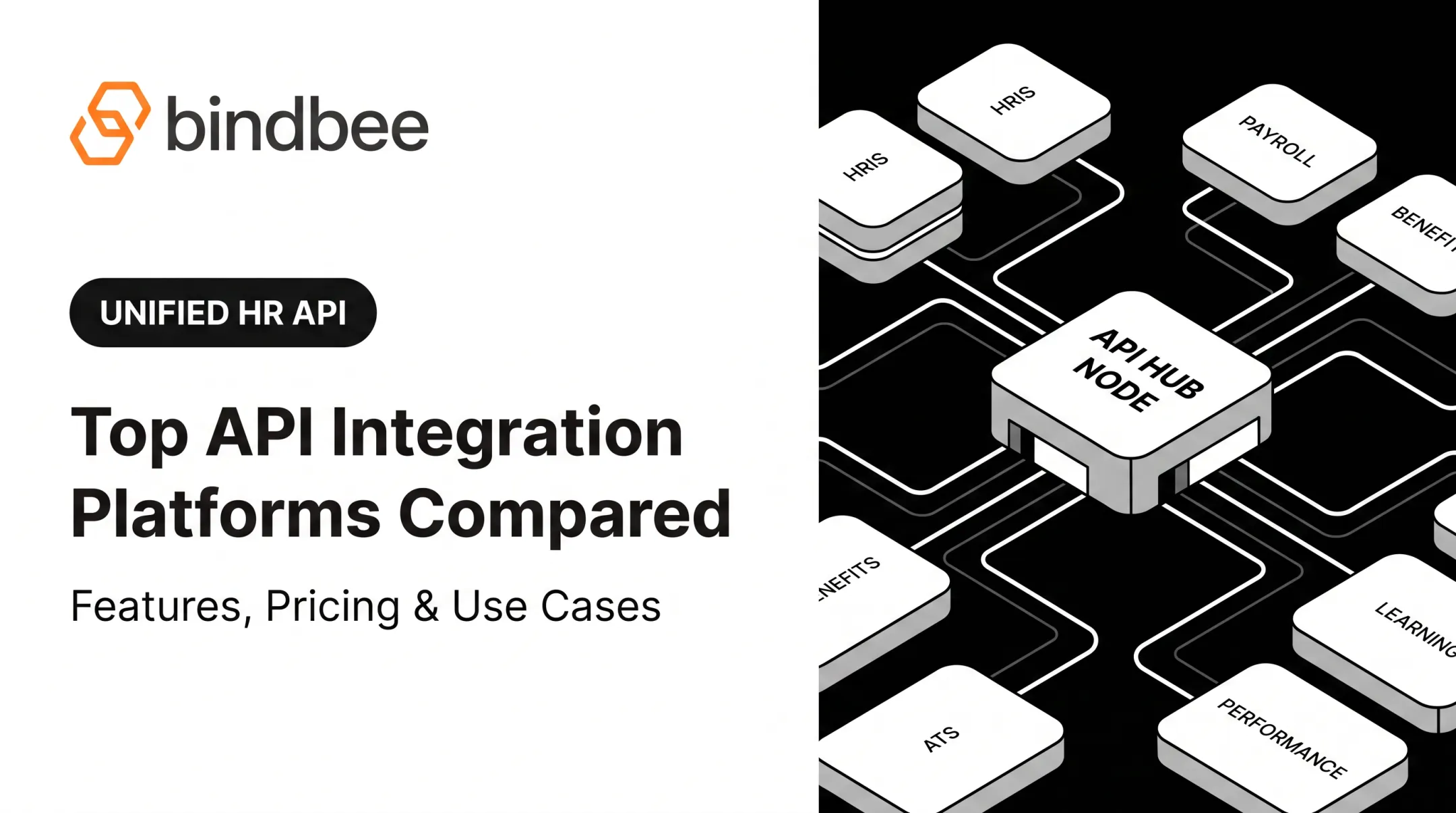
An API integration platform is a unified middleware layer that connects to dozens (or hundreds) of third-party systems (HRIS, payroll, benefits, carriers) and normalizes their data into one consistent model. Instead of building 60 separate connectors, you build one integration against the platform.
Core benefits:
- Faster onboarding (days, not months)
- Reduced engineering load on your core team
- Consistent data models across every connected system
- Automatic sync and webhook support for real-time updates
Benefits-First Data Models
Bindbee, for example, provides a single API across 60+ HR, payroll, and benefits systems, structured around benefits workflows rather than generic employee records.
It separates Employee Benefits, Employer Benefits, and Dependent Benefits into distinct models. That captures plan names, coverage tiers, contribution amounts, and dependent eligibility that generic HRIS schemas often leave out.
For legacy systems that only export flat files, Bindbee's SFTP-to-API bridge parses CSV, XML, and fixed-width exports, normalizes them into JSON, and serves them through the same API endpoints as live connections. In Newfront's case, this cut integration deployment from 8-12 weeks to 48 hours and reduced engineering time by 90%.

Use Cases of API Integration Platforms
These platforms fit best where speed and breadth matter more than deep customization:
- Benefits admin platforms syncing eligibility data across dozens of employer HRIS systems
- Employee engagement tools pulling profile data for milestones, recognition, or gifting
- TPAs and insurtech needing census and dependent data without manual spreadsheet chasing
Phin and Giftpack use that same unified API to sync employee data across 60+ HRIS platforms for birthday recognition, work anniversaries, and gifting workflows. One integration layer supports benefits eligibility, engagement, and gifting products without separate connector stacks.
What Is Custom Integration?
A custom integration is built in-house, directly against each third-party API's own documentation and endpoints. Your team owns the auth flow, schema mapping, error handling, and every future update.
Core benefits:
- Full control over data handling and business logic
- Tailored logic for proprietary or unusual workflows
- No dependency on a third-party vendor's roadmap
There are two flavors: point-to-point integrations (one connector per partner) and an internally-built middleware layer (your own mini-platform). The latter reduces duplication but still means you're maintaining the abstraction yourself.
Use Cases of Custom Integration
Custom builds make sense when:
- You have only one or two mission-critical integrations, not sixty
- A flagship partner (say, one specific ERP) requires deep, non-standard logic
- The integration behavior itself is a differentiator, not plumbing
Even in those narrow cases, the cost-to-own adds up fast. One industry planning model estimates 150 hours to build a single integration, 300 hours per year to maintain it, and roughly $50,000 annually in combined engineering and support cost (Merge cost model).

Treat those figures as a baseline, not a fixed quote. Actual spend swings with API complexity and data volume, but the pattern is clear: custom integrations get expensive once you move past a handful of connections.
API Integration Platform vs Custom Integration: Which Should You Choose?
Use these five factors to decide whether a platform, custom builds, or a mix fits your roadmap:
- Integration volume: Connecting to 5+ systems? A platform pays for itself fast. One or two? Custom may be simpler.
- Engineering bandwidth: If your team is small and product-focused, every week spent on connector maintenance is a week not spent shipping.
- Speed-to-market pressure: Enterprise deals often hinge on "can you integrate with our HRIS on day one?"
- Compliance requirements: SOC 2, ISO 27001, and HIPAA obligations multiply per integration you build yourself.
- Strategic value: Is this integration core IP, or just plumbing to move data?
Choose a platform if you need to scale across many systems while keeping engineering focused on your core product. Choose custom builds if you have one or two mission-critical integrations that need proprietary logic a normalized API can't express.
Most companies land in the middle. Buy the common connections; build only the differentiated ones.
Real-World Example: Choosing an Integration Platform Over Custom Builds
Healthee, a benefits administration platform, ran into exactly this bottleneck. Before adopting a unified API, each new employer required weeks of back-and-forth to collect census data, and custom integrations took more than two months each to build.
That meant slow customer go-lives and engineers stuck maintaining connectors instead of building product.
After switching to Bindbee, Healthee connected an employer's HRIS in minutes and went live the same day. Results included:
- Demographic and dependent data pulled from 60+ HRIS systems
- Roughly 90,000 employee profiles pre-populated for personalized insurance recommendations
Phin, an employee-gifting platform, hit the same wall. It previously spent 10+ weeks integrating with HR systems one at a time. After adopting Bindbee's unified API:
- Went live in 48 hours
- 76% reduction in onboarding time
- 94% improvement in time-to-value
- More than $115,000 in annual savings on development resources

Freed engineering bandwidth translated directly into faster feature shipping on the core product, not just faster integrations.
If your team spends weeks per employer connection instead of shipping features, a unified API for HR and benefits data can shorten those timelines from weeks to hours.
Conclusion
Neither approach wins in every situation. Choose based on integration volume, engineering capacity, and how strategic each connection is to your product roadmap.
The case studies here (Healthee, Phin, Newfront) point to the same practical payoff: faster onboarding, lower maintenance costs, and engineering time redirected toward the product itself. That recovered bandwidth is the metric worth optimizing for.
Frequently Asked Questions
What are the key differences between API integration and ETL?
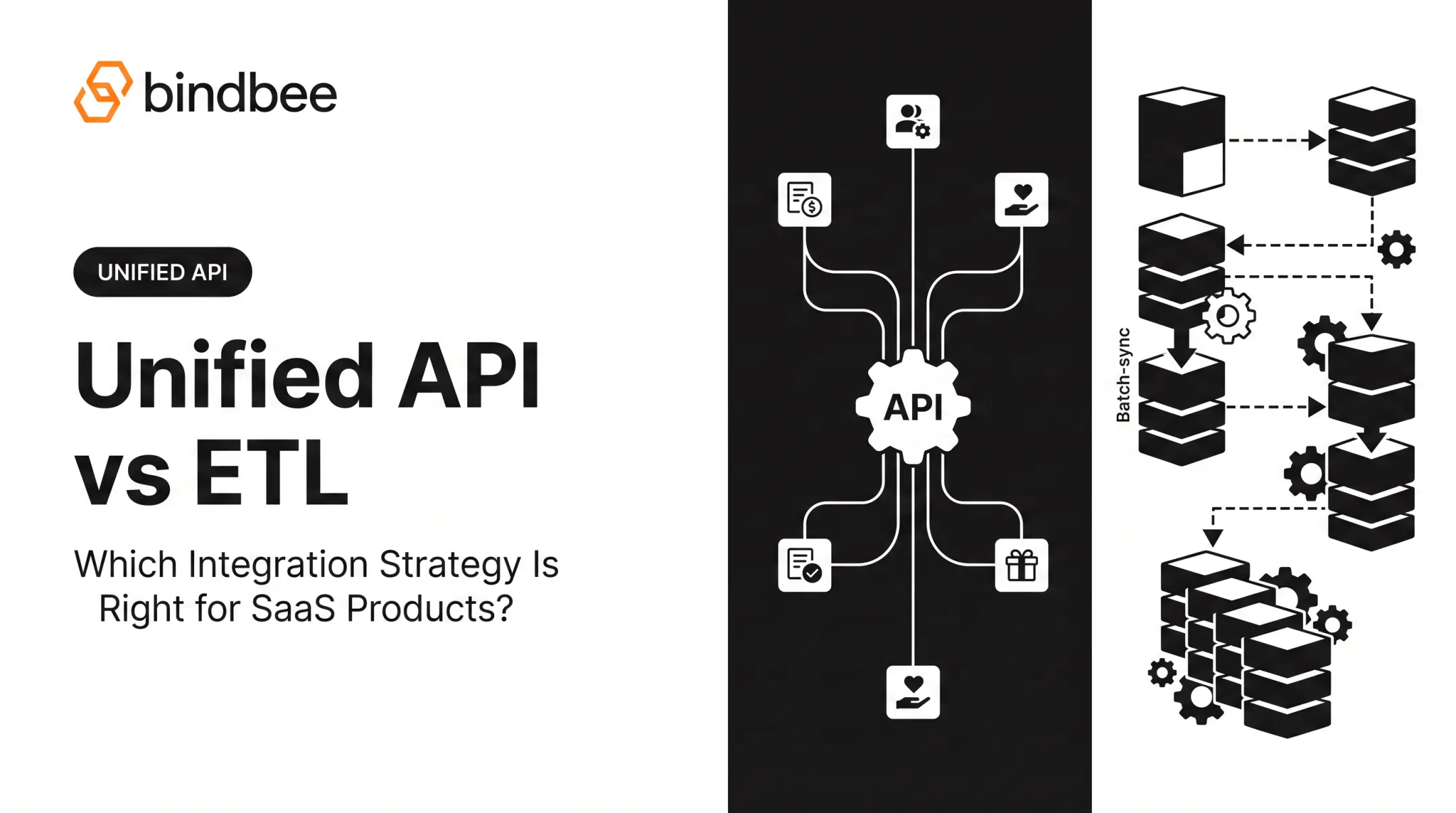
API integration enables interactive, often real-time data exchange between systems through defined endpoints. ETL typically involves scheduled batch extraction, transformation, and loading of data into a warehouse. They solve different problems, not competing versions of the same one.
What are examples of API integrations?
Common examples include CRM-to-email marketing sync, HRIS-to-payroll data flow, and benefits platform-to-carrier eligibility updates. In HR tech specifically, this often means syncing employee, dependent, and benefits enrollment data across systems.
How long does it typically take to build a custom integration versus using an integration platform?
Custom builds typically take 4-8 weeks per API, depending on complexity. A unified API platform can cut that to hours or a few days per connection, since the heavy lifting is already done.
Can SaaS companies use both custom integrations and an integration platform together?
Yes — this hybrid approach is common. Use a platform for high-volume, standard integrations and reserve custom builds for the one or two strategic partnerships that need proprietary logic.
Is an API integration platform secure enough for sensitive HR and benefits data?
Yes. Leading platforms hold SOC 2 Type II, ISO 27001, and HIPAA compliance credentials designed for sensitive employment data. Always verify the certification scope and request the current report before assuming coverage.
How does an integration platform handle changes to third-party APIs?
The vendor monitors, updates, and maintains connectors on your behalf. When a provider changes auth flows or deprecates an endpoint, that's the platform's problem to fix, not yours.