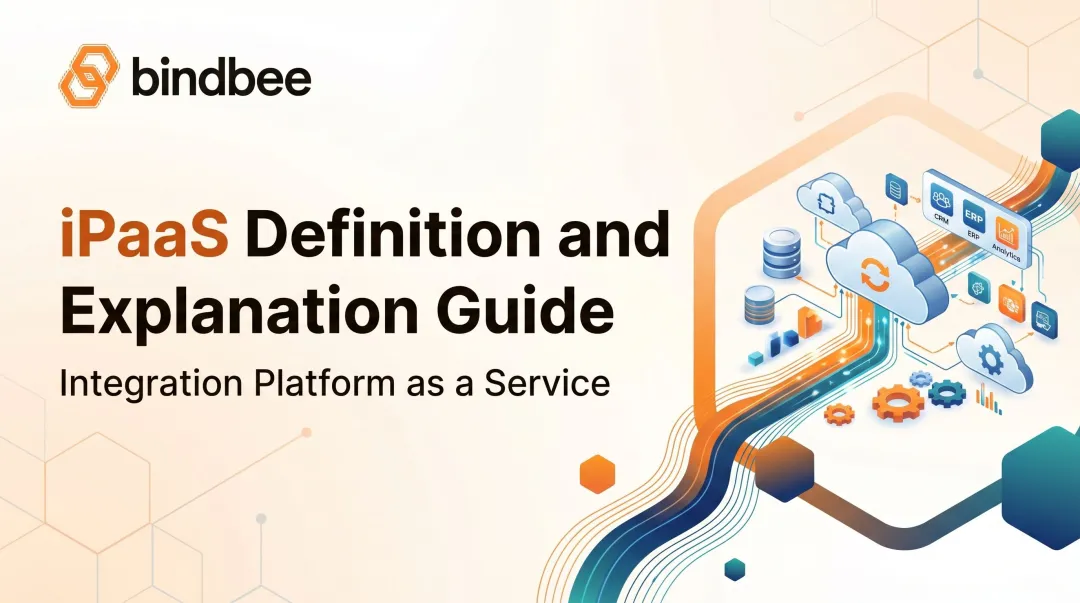
Integration platform as a service (iPaaS) exists to solve exactly this problem. It's a cloud-based layer that connects applications, data, APIs, and workflows through one centralized environment, instead of a tangle of point-to-point connections nobody fully understands six months later.
This guide covers how iPaaS works, where it delivers real value, the core capabilities worth evaluating, how it differs from adjacent technologies, and a practical framework for choosing a platform built for long-term use.
Key Takeaways
- iPaaS centralizes integration design, deployment, monitoring, and governance instead of relying on scattered scripts
- Its value comes from combining connectivity, data transformation, workflow automation, security, and observability in one place
- The right fit depends on your applications, data sensitivity, internal skills, and ownership model
- Specialized unified APIs can normalize complex data domains, like HR and benefits, before that data reaches broader workflows
What Is iPaaS and How Does It Work?
Integration platform as a service is, at its simplest, a managed service that sits between your applications, databases, APIs, and partner systems, moving and reshaping data so each side can actually use it.
Gartner's iPaaS definition describes it as a vendor-managed cloud service for integrating an organization's internal and external applications, services, and data sources. It is built around patterns like data consistency, multistep processes, and composite services.
How the pieces fit together:
- Source and destination systems: the applications, databases, or files you're connecting
- Connectors or endpoints: the authenticated links into each system
- Mapping and transformation logic: rules that reconcile different field names, formats, and schemas
- Workflow logic: the conditions, branches, and sequencing that define what happens and when
- A control plane: the dashboard where you monitor, troubleshoot, and govern everything centrally
The Integration Lifecycle
Every integration moves through the same rough stages: design and authentication, testing against real data, deployment, triggering, monitoring, error handling, and ongoing maintenance as source systems change their APIs or schemas.

Prebuilt connectors speed up the early stages considerably. You're not writing authentication logic from scratch for Salesforce or NetSuite. But plenty of real environments still need custom connectors, flat-file imports, or direct database calls, especially with legacy or niche systems that don't have mainstream connector support.
A Practical Example
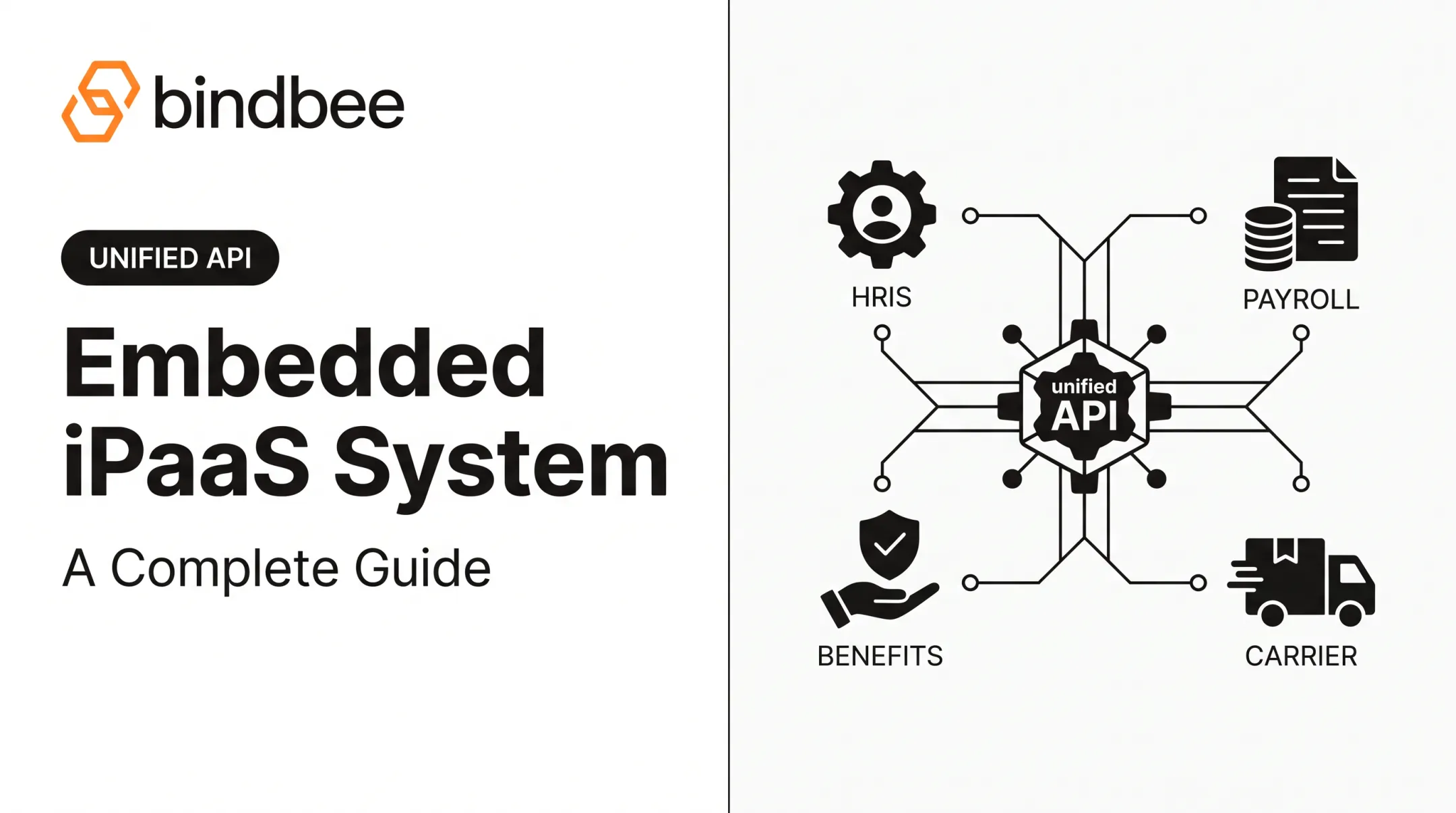
Picture a new hire being added to an HRIS. That single event needs to ripple outward: payroll needs the pay rate and bank details, the identity provider needs a new account, the benefits system needs eligibility dates, and the messaging tool needs to add them to the right channels.
An iPaaS handles that fan-out automatically, reconciling field names and formats so each downstream system gets data it can actually use.
Matching the Pattern to the Requirement
Not every integration should run the same way:
- Batch: large volumes moved on a schedule, useful for nightly reporting
- Scheduled sync: periodic polling for moderate-urgency updates
- Real-time: continuous, low-latency movement for customer-facing systems
- Event-driven: triggered by a specific change rather than a timer
Picking the wrong pattern is a common source of either wasted compute or frustrating delays.
What Are the Benefits and Use Cases of iPaaS?
The scale of the problem is bigger than most teams realize. Enterprises now run an average of 957 applications, yet only 27% are actually integrated with each other, according to Salesforce's 2026 report, based on interviews with over 1,000 IT leaders. That gap is where manual data entry, duplicate records, and silent failures live.
Operational and Engineering Benefits
A centralized integration layer pays off in several concrete ways:
- Faster delivery: new integrations reuse existing connectors and patterns instead of starting from zero
- Consistent data: the same transformation rules apply every time, reducing mismatched records
- Centralized visibility: one dashboard instead of logs scattered across systems
- Freed-up engineering time: teams build product features instead of babysitting scripts
That shift shows up starkly in practice. One HR tech engineering team put it this way: work that used to take six engineers six months can now take one engineer a single week once normalized connectors replace custom builds.
Upduo, a benefits platform, saved roughly 15 hours of engineering time per week and $80,000 annually after consolidating its HR system integrations through Bindbee's unified API.
Security and Governance
iPaaS platforms typically centralize:
- Role-based access control and credential management
- Encryption in transit and at rest
- Audit logs for compliance reviews
- Separate testing, staging, and production environments
- Policy enforcement for who can touch sensitive data
Where iPaaS Shows Up in the Real World
Common use cases include:
- CRM-to-ERP synchronization and order-to-cash workflows
- Employee onboarding and customer data syncing
- Finance automation and data warehouse loading
- API orchestration and B2B/EDI exchange
- Modernizing legacy systems without ripping them out
In HR tech and benefits administration, that often means keeping employee eligibility, plan selections, effective dates, dependent relationships, and life-event changes synchronized across HR, payroll, benefits, and downstream apps.
Bindbee's own benchmarks show a 76% reduction in onboarding time and a 94% improvement in time-to-value for benefits platforms that replace one-off builds with a single normalized API. Clever Benefits, for example, rolled out 60-plus integrations simultaneously instead of building each one over two to three weeks.

When iPaaS Isn't the Right Call
It's often overkill for:
- A one-time data migration that won't repeat
- A simple automation between just two systems
- Highly specialized, low-latency infrastructure with unique performance needs
- Environments that require total custom control over every line of integration code
In those cases, a direct script or a lightweight tool may get the job done with less overhead.
Core iPaaS Capabilities and Integration Patterns
A capable iPaaS brings together several distinct functions rather than just one.
Application and Data Integration
- Application integration connects SaaS tools, enterprise platforms, databases, and file systems through reusable connectors and flows
- Data integration and transformation covers batch synchronization, real-time replication, ETL/ELT pipelines, field mapping, deduplication, validation, enrichment, and warehouse loading
API Management and Workflow Orchestration
Basic API connectivity (authenticating and calling an endpoint) is different from a full API management program, which typically includes:
- Rate limiting and access policies to control traffic
- Versioning so breaking changes don't take down existing integrations
- Documentation and lifecycle management for internal or partner developers
- Ongoing monitoring of API health and usage
Workflow orchestration layers on top: triggers, conditional branching, approval steps, automatic retries, notifications, and human-in-the-loop checkpoints for processes spanning multiple applications.
Event-driven integration and webhooks matter here too. Instead of polling a system every few minutes, an event-driven setup reacts the moment a record is created or a status changes, which counts for anything time-sensitive, like a new hire's benefits eligibility.
Operational Capabilities Worth Evaluating
Before committing to a platform, check that it gives you:
- Dashboards, logs, and alerts for real-time visibility
- Replay and dead-letter handling for failed messages
- Configurable retry policies and dependency tracking
- Version control and dedicated testing environments
- Clear change-management processes for updates
Where Specialized Unified APIs Fit In
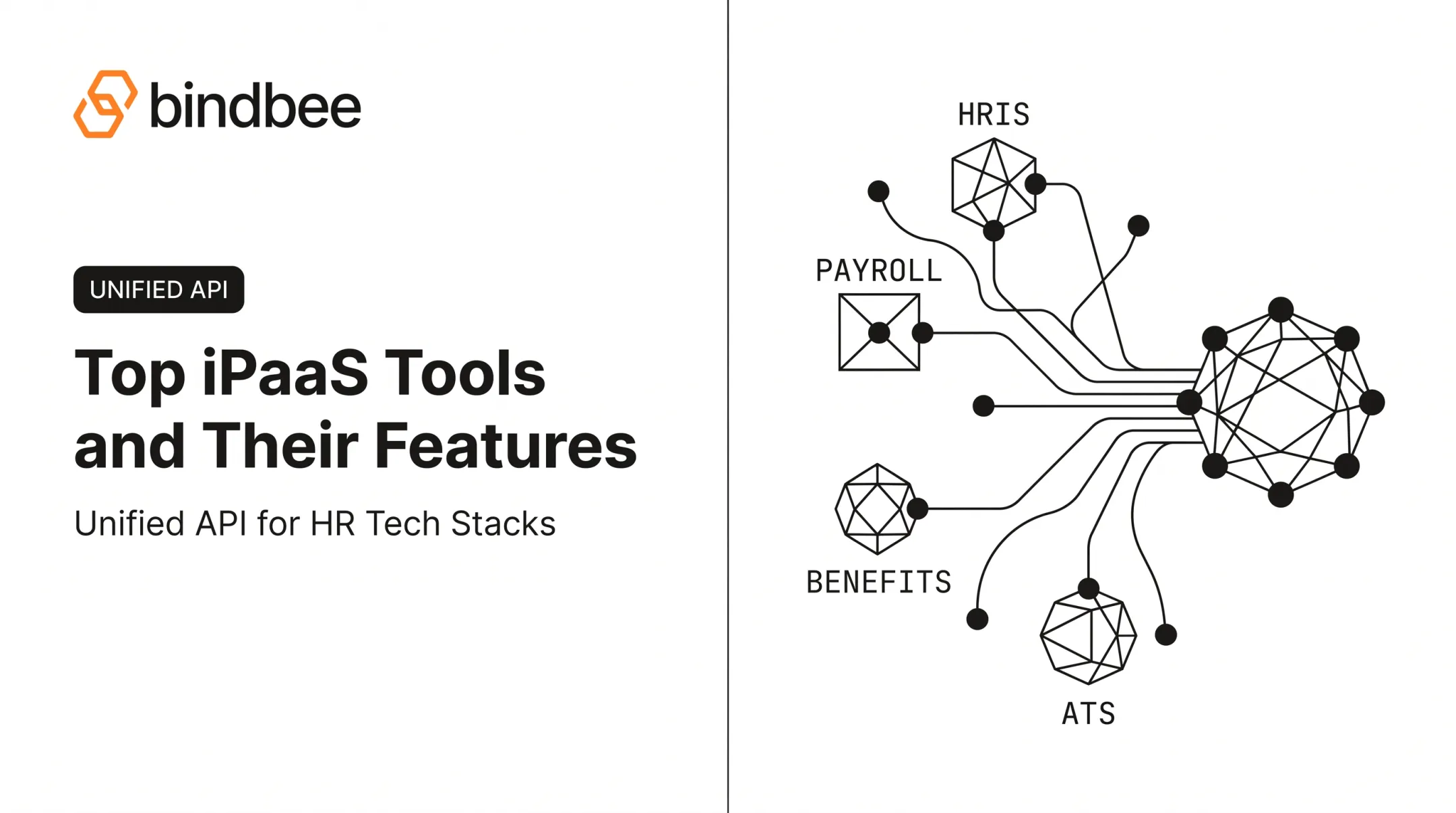
Broader iPaaS platforms aren't always built to handle the depth of a single data domain. HR and benefits data is a good example: eligibility rules, dependent relationships, and plan effective dates carry nuances a general-purpose connector often doesn't model well.
This is where a specialized layer like Bindbee's unified API complements an iPaaS rather than replacing it. It normalizes employment and benefits data across 60+ HR systems using benefits-first data models, incremental syncs, webhooks, custom fields, and an SFTP-to-API bridge for legacy systems that only export flat files.
The normalized data then flows into broader iPaaS workflows instead of forcing every team to write its own transformation logic per HRIS.
iPaaS Compared With Other Integration Approaches
iPaaS sits alongside, and sometimes overlaps with, several related integration categories.
| Approach | Best Fit | Main Trade-off |
|---|---|---|
| Custom API integrations | Highly specific, one-off control | More ownership and maintenance burden over time |
| Traditional middleware / ESB | On-premises, service-oriented architectures | Hardware and management overhead that cloud-delivered iPaaS avoids |
| SaaS automation tools | Simple, single-department triggers | Limited governance, transformation, and workflow depth |
| ETL / data integration tools | Analytics pipelines, warehouse loading | Built for processing data volumes, not operational workflows |
| PaaS | Building and running your own applications | No built-in connection between systems |
| SaaS | Using a finished, ready-made application | No integration layer to other apps included |
The distinction between iPaaS and ETL tools is about workload, not capability. As IBM's iPaaS research points out, iPaaS focuses on integrating services, systems, and workflows, while ETL tools are optimized for processing large data volumes for storage or analysis.

In practice, these categories blend together inside one architecture. A company might run SaaS applications, a PaaS environment for custom builds, an iPaaS layer for orchestration, an API management program, and a specialized unified API all at once. Each solves a different piece of the same connectivity puzzle.
How Do You Choose and Implement an iPaaS?
Start with an honest inventory, not a vendor demo. Document every application, API, database, file transfer, and partner connection you rely on, along with who owns the data and how sensitive it is.
From there, define what matters for your priority use cases:
- Data volume and synchronization frequency
- Acceptable latency and error tolerance
- Transformation complexity
- Uptime expectations and event support
- Which connectors you actually need, not just which ones look impressive
Ownership, Security, and Proof
Decide who owns integrations after launch (a fully managed vendor, a co-managed arrangement, or an in-house team), because that decision shapes pricing and support expectations. On security, ask vendors for current evidence rather than marketing claims:
- Encryption in transit and at rest
- Identity and access controls, plus secrets management
- Audit logs and data residency options
- Retention policies and incident-response procedures
- Certifications, reviewed directly rather than assumed
Then run a real proof of concept. Test schema changes, duplicate records, partial failures, API rate limits, retries, replay, and rollback, not just the happy path.
Building the Roadmap
- Start small: pick one high-value, well-bounded workflow rather than migrating everything at once
- Establish governance: define data ownership and access policies before scaling up
- Measure a baseline: capture current effort and error rates so you can prove improvement
- Expand deliberately: reuse patterns and documented procedures as you add integrations
Commercial fit matters too: compare connector coverage, implementation effort, pricing structure, support commitments, and how vendor updates might affect integrations you've already built.
Frequently Asked Questions
What is iPaaS and what is its purpose?
iPaaS is a cloud-based platform that connects applications, data, APIs, and workflows across an organization. Its purpose is to automate and govern reliable data movement between systems, replacing fragile point-to-point scripts with a centralized, monitored layer.
What are some examples of iPaaS solutions?
Platforms like MuleSoft, Boomi, Workato, SnapLogic, Celigo, and Tray.ai are commonly cited examples, each with a different emphasis. Some lean toward API-led connectivity, others toward broader automation or hybrid connectivity across cloud and on-premises systems.
How is iPaaS different from PaaS and SaaS?
PaaS gives developers a platform to build and run their own applications, and SaaS delivers a finished, ready-to-use application. iPaaS instead focuses on connecting applications together and orchestrating data or processes between them.