This tension is widespread. In a 2024 survey of more than 100 B2B SaaS leaders, 84% said integrations were very important or a key requirement for their customers, according to the State of SaaS Integrations report. Yet most teams still build connectors one at a time, with no shared infrastructure underneath.
This guide explains what an embedded iPaaS system actually is, how it differs from traditional iPaaS and unified APIs, how it works under the hood, and how to decide whether building or buying makes sense for your product. We'll frame this as an architecture decision, not a feature checkbox, because it touches engineering capacity, customer experience, security posture, and years of future maintenance.
Key Takeaways
- Embedded iPaaS puts integrations inside your product instead of routing customers to a separate tool
- Multi-tenant architecture keeps each customer's credentials, permissions, and data fully isolated
- Authentication, sync mechanics, and monitoring are the technical components that determine real-world reliability
- Test the hardest, highest-risk integration first (not a simple two-app demo) before committing
- Match the platform's data model to your product, especially when the data involves benefits or payroll
What Is an Embedded iPaaS System?
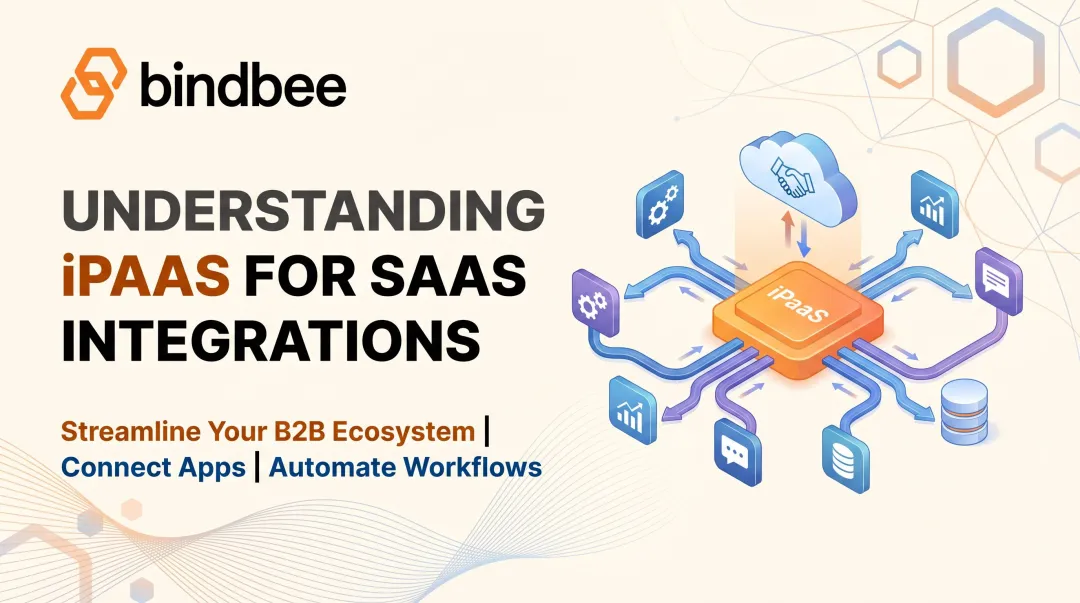
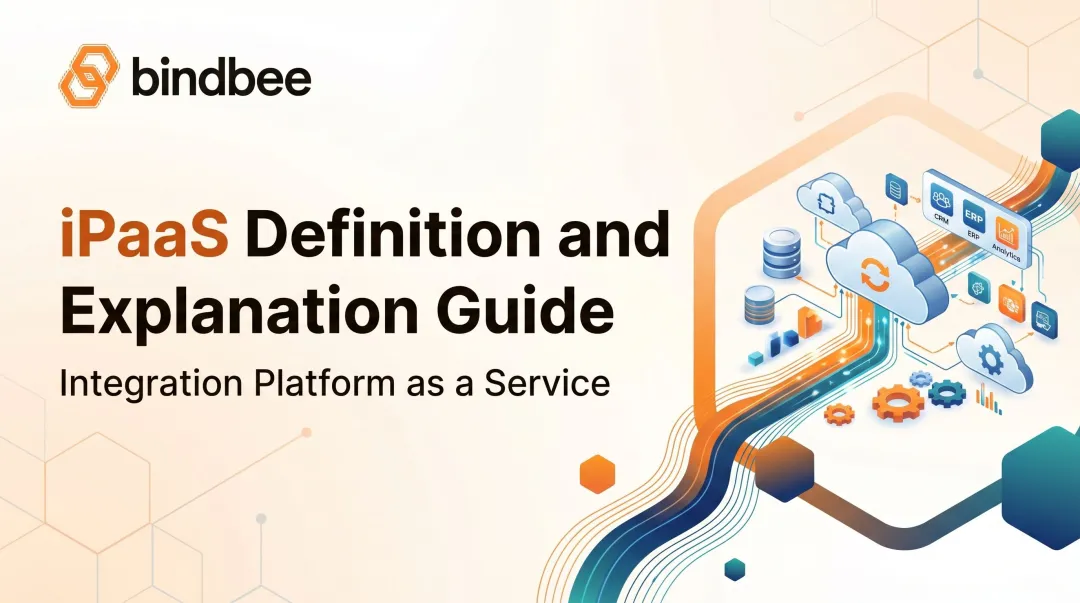
An embedded iPaaS is an integration platform as a service built directly into a SaaS product, so your customers can connect their own external tools without ever leaving your application. Instead of sending a customer to a third-party automation platform, the connection experience lives inside your product, under your brand.
Three characteristics define it:
- Customer-facing: integrations appear inside the host product, not in a separate workflow tool
- Multi-tenant: each customer gets separate credentials, configurations, permissions, and integration activity logs
- Developer-controlled: your team uses APIs, SDKs, or embedded components to shape exactly what customers see and do
Embedded iPaaS vs. Traditional iPaaS vs. Unified API
These three terms get used interchangeably, but they solve different problems:
| Dimension | Traditional iPaaS | Embedded iPaaS | Unified API |
|---|---|---|---|
| Buyer | The company itself, for internal use | The SaaS vendor, for its customers | The SaaS vendor, for its customers |
| End user | Internal IT/ops teams | The vendor's own customers | The vendor's own customers |
| Tenant model | Single organization | Multi-tenant, one config per customer | Often single schema, limited tenant controls |
| Branding | Vendor's own branding | Host product's branding | Varies, rarely fully white-labeled |
| Primary use | Internal workflow automation | In-product customer integrations | Standardized category access |
IBM's embedded iPaaS explainer draws a similar line: a unified API standardizes access to a category of applications, while an embedded iPaaS can also add workflow orchestration, webhooks, monitoring, authentication management, and customer-facing connection flows on top.
Picture a benefits platform where each employer connects its own HRIS or payroll system, then the platform uses that employee and benefits data without ever asking the employer to manage a separate integration tool. That's embedded iPaaS in practice. This is exactly the model Bindbee's embedded platform supports for HR Tech and benefits companies.
This is different from Zapier-style automation tools. Those are built for one company's internal workflows. Embedded iPaaS is built for a SaaS vendor's multi-tenant product, serving many customers at once, each with their own isolated setup.
How Does an Embedded iPaaS Work?
The connection flow usually looks like this: a customer picks an application inside your product, authenticates through your interface, grants permissions, and the platform establishes a tenant-specific connection it manages going forward. Bindbee's Magic Link, for example, lets a customer authorize a Paycom, Personio, or BreatheHR connection without ever sharing credentials with your servers.

The Core Technical Components
Behind that simple flow sits real infrastructure:
- Connectors and API adapters that speak each third-party system's dialect
- Authentication and token management for OAuth, API keys, SFTP, and provider-specific quirks
- Data mapping and transformation that converts different schemas into your product's expected format
- Sync and event infrastructure for scheduled, incremental, real-time, or webhook-driven updates
- Workflow and orchestration logic for multi-step actions, conditional routing, and retries
- Monitoring and administration for logs, connection status, alerts, and tenant-level troubleshooting
Choosing the Right Sync Pattern
Not every connection needs the same update frequency:
- One-way sync: pulls data in for reporting or display; simplest to maintain
- Two-way sync: writes data back, such as payroll deductions; needs conflict handling
- Event-triggered workflows: fire on a specific change, like a new hire
- Scheduled syncs: run on a timer, suited to non-urgent data
- Real-time actions: execute instantly, needed when stale data causes real harm
Benefits data is a good test case for why this matters. Employee eligibility windows, dependent relationships, coverage elections, plan selections, effective dates, and life-event changes aren't just fields in an API response. They're interconnected records with legal and financial consequences.
A benefits-focused data model that understands these relationships is far more useful than raw, unstructured API output a team has to interpret from scratch.
Not every system offers a modern API either. Some payroll and HRIS platforms still only export files. In those cases, an SFTP-to-API bridge is often preferable to asking a customer to replace a system they've used for years. Bindbee's SFTP-to-API bridge exists specifically for this scenario, converting file-based exports into the same normalized models used across its API connections.
Bindbee's approach illustrates how these pieces come together in practice: one unified API, normalized data across 60+ HR systems, automatic incremental syncs after the initial pull, webhooks for events like terminations or dependent changes, and benefits-first data models. That combination reduces how many native, system-specific integrations a team has to build and maintain separately.
Benefits and Common Use Cases
Embedding integration infrastructure instead of building it in-house changes what your engineering team spends time on.
Core benefits for SaaS providers:
- Faster delivery of customer-requested integrations, without a dedicated maintenance team per connector
- Greater product stickiness, since customers connect tools they already rely on
- More consistent security, authentication, and tenant management than isolated integrations built one at a time
- More engineering capacity for differentiated product work
- A branded, in-product experience supporting self-service onboarding
- Support for real-time data flows where stale information creates risk
These map cleanly to specific industries:
- HR Tech: employee onboarding and org data
- Benefits administration and TPAs: eligibility verification and enrollment sync
- Payroll: deduction write-back
- Employee engagement and gifting: CRM and roster sync
- Insurtech: carrier and census data exchange
One Bindbee customer, Upduo, reported $80,000 saved annually in integration maintenance costs after adopting a unified API. That freed its engineering team to focus on core product work instead of connector upkeep.
Broader industry evidence points the same way. Finch's Ubiquity case study reports that a 401(k) recordkeeper avoided roughly 80 hours per week of manual payroll processing after switching from manual sponsor setup to an automated connection flow (a vendor-published result, but consistent with the same pattern).

How to Evaluate an Embedded iPaaS
Start with your hardest integration and highest-risk customer workflow — not a simple two-application demo. Test real data volumes, custom fields, tenant isolation, permissions, and failure scenarios before you commit.
Connector Coverage and Depth
Check whether the platform supports the specific applications, endpoints, objects, and fields your customers actually need. Then verify how it handles custom objects, provider-specific quirks, and endpoints it doesn't natively support.
Data Sync and Orchestration
Ask whether the platform supports initial backfills, incremental syncs, pagination, deduplication, and retries. Confirm whether webhooks, polling, and bidirectional sync are available where you need them, and how stale, deleted, or conflicting records get resolved.
Multi-Tenant Architecture and Customer Experience
Confirm credentials, configurations, and rate limits are isolated per customer. Review the embedded UI, SDK, white-label options, and reconnect flow. Determine whether customers can self-activate connections, or whether every setup pulls in engineering or support.
Security, Governance, and Compliance
Verify current certifications, encryption practices, access controls, and subprocessor lists. Ask how least-privilege scopes and deletion requests get handled, and confirm what stays your responsibility under the shared-responsibility model. Bindbee holds SOC 2 Type II and ISO 27001 certifications, though you should always confirm scope and currency directly with any vendor rather than assuming coverage.
Developer Experience and Pricing
Test documentation quality, SDKs, and how easily your team can diagnose a failed sync. Clarify whether pricing is based on connections, tenants, API calls, or platform commitments — official vendor pages show real variation here, with Merge billing on linked accounts, Finch on per-connection tiers, and Prismatic on instances, per their respective pricing pages. Build a three-year total-cost model covering implementation, maintenance, support, and migration risk before you sign anything.
Build vs. Buy: Is an Embedded iPaaS Right for Your Product?
Building in-house can make sense if you need only a handful of stable integrations, the integration logic is genuinely a competitive advantage, or your requirements are too specialized for general-purpose platforms.
The Real Cost of Building
The first connector is rarely the expensive part. The ongoing work is:
- Authentication flows, token refresh, credential storage, and permission management
- Pagination, rate limiting, retries, webhooks, and error recovery
- Monitoring, alerting, security reviews, and constant API changes from vendors
- Opportunity cost from pulling engineers off differentiating product work
Bindbee's own cost modeling puts this in concrete terms: a complex in-house integration can run $27,500 in initial development, $55,250 in year-one build cost, and roughly $13,875 a year in ongoing maintenance after that. A three-year total through a unified API lands closer to $2,160, a difference of roughly $53,090.

At Newfront, work that once took six engineers six months was completed by one engineer in one week after switching to Bindbee's unified API.
What Buying Does and Doesn't Transfer
A platform can manage connectors, authentication infrastructure, and sync mechanics. It does not take over:
- Product-level authorization decisions
- How you communicate with customers about their data
- Implementation quality and configuration choices
- Ongoing monitoring of business-critical workflows
Before signing a long-term agreement, run a proof of concept on one complex, representative integration — including custom fields, error handling, a realistic onboarding flow, and support diagnostics. That single test will tell you more than any sales deck.
Frequently Asked Questions
How much does it cost to implement an API integration?
Cost depends on authentication complexity, endpoint depth, data mapping, and sync requirements. One-time implementation cost is usually smaller than the recurring cost of ongoing maintenance, monitoring, and vendor API changes over several years.
What is the difference between PaaS and iPaaS?
PaaS is a broader platform for building and deploying applications without managing infrastructure. iPaaS is specifically focused on connecting applications, APIs, and data, and automating the workflows between them.
What is an embedded iPaaS system?
An embedded iPaaS is integration infrastructure built into a SaaS product so that product's customers can connect external apps through a branded, multi-tenant experience without leaving the host application.
What is an integration platform as a service (iPaaS) and what is its purpose?
iPaaS is a cloud-based platform used to connect applications and automate data movement or workflows between them. Its purpose is reducing how much integration infrastructure a company has to build and operate internally.
What is an example of an iPaaS platform?
Traditional iPaaS includes platforms like Boomi or MuleSoft, built for internal enterprise integration. Embedded iPaaS and unified API platforms, including Bindbee, focus on customer-facing integrations and normalized HR data for SaaS products.
Conclusion
An embedded iPaaS earns its place when your product needs to offer many secure, customer-specific integrations without your team owning every connector and sync problem forever. The decision comes down to a few concrete steps:
- Define the data and workflow patterns you actually need
- Test the hardest use case first
- Validate security and tenant isolation
- Model the true three-year cost rather than just the first connector
If you're building an HR Tech or benefits platform, start by mapping the systems, data objects, events, and customer permissions you need to support. Then evaluate whether a unified, benefits-first integration layer like Bindbee fits those requirements before your next integration request lands on the roadmap.