
SAP HR Integration: Key Benefits and Implementation Guide
Summarise the blog with AI
Did you know that 48% of payroll professionals are burdened by manual data entry, and over 40% of companies still rely on manual payroll processes? As HR tech and benefits platforms grow, managing complex integrations across SAP and other HR platforms has become increasingly challenging.
SAP HR integration is the process of connecting SAP's suite of human capital management (HCM) and ERP modules with external systems, applications, and APIs. The goal is to create seamless data flows across disparate tools, whether you're syncing employee records, payroll data, compliance reports, or benefits information.
However, this integration typically involves a combination of SAP-native tools, custom APIs, and middleware platforms, each with its own complexity and maintenance burden. In this guide, we'll learn about what SAP HR integration is and how you can implement it effectively.
Understanding SAP HR Systems
Before diving into integration methods, it's worth grounding ourselves in what we're working with. SAP's HR landscape is broad, which is one reason integrations can get complicated quickly.
SAP HCM (On-Premise)
SAP HCM is the older, on-premise flavor of SAP's HR capabilities. It's organized around "infotypes", which are structured records for things like personal data, job assignments, payroll, and absences. Integration here often happens via IDocs (Intermediate Documents), BAPIs (Business Application Programming Interfaces), or flat file exports.
If your organization is still using SAP HCM, integration requires either building custom connectors or using SAP's PI/PO (Process Integration/Process Orchestration) middleware, which is mature but complex.
SAP SuccessFactors (Cloud)
SAP SuccessFactors is SAP's modern cloud HCM suite, covering talent management, workforce planning, and core HR. It's API-first by design, which makes integration more accessible though still requires understanding its OData APIs, IAS/IPS for identity provisioning, and CPI (Cloud Platform Integration) for complex workflows.
Methods for SAP HR Integration
There are several ways to integrate with SAP HR systems, each suited to different technical contexts and organizational requirements.
1. Native SAP APIs and Connectors
SAP SuccessFactors exposes RESTful OData APIs for most core entities (employees, positions, time-off, etc.). For SAP HCM, BAPIs and IDoc interfaces handle structured data exchange. These are powerful but require deep SAP-specific knowledge to implement correctly and maintaining them in-house adds long-term engineering overhead.
2. SAP Integration Suite / Cloud Platform Integration (CPI)
SAP's own middleware for orchestrating integrations between SAP and non-SAP systems. CPI offers pre-built iFlows for common patterns (e.g., syncing SuccessFactors employee data to payroll). It's reliable for SAP-to-SAP or SAP-to-partner scenarios, but it's relatively expensive, has a steep learning curve, and requires SAP-certified expertise to manage.
3. Third-Party Middleware (MuleSoft, Boomi, Workato)
General-purpose iPaaS platforms can broker data between SAP and your application. These give more flexibility but come with their own complexity. You're still responsible for building and maintaining the SAP-specific connector logic, mapping SAP's data structures to your application's schema, and adapting as SAP releases API updates.
4. Unified HR API Platforms
Tools like Bindbee abstract SAP (and 102+ other HR systems) behind a single, normalized API. Instead of learning SAP's connector nuances, you connect once to Bindbee's API and get consistent, standardized employee, compensation, and organizational data regardless of which HR system your customers are using.
SAP HR Integration Best Practices
Whether you're integrating directly with SAP or via a third-party platform, these principles help you avoid common pitfalls and build something maintainable.
1. Normalize Your Data Early
SAP HR data is highly configurable. Every customer you support may have custom infotypes, non-standard field mappings, or localized configurations. Build normalization into your architecture from the start instead of patching it in later.
2. Plan for Schema Variability
SAP SuccessFactors and SAP HCM don't have identical schemas, and even within each, customers configure things differently. Your integration layer must handle this variability gracefully, which is a key advantage of using a unified HR API that already abstracts this complexity.
3. Use Webhooks for Real-Time Events Where Available
SAP SuccessFactors supports intelligent services (event-based notifications) for key HR events like hires, terminations, and transfers. Leveraging these instead of polling reduces latency and API overhead.
4. Monitor and Alert Proactively
HR data integrations often run silently in the background. When they fail, the downstream impact (missed payroll, stale benefits enrollment data) can be significant. Build alerting into your integration stack from day one, not as an afterthought.
5. Handle Authentication Carefully
SAP integrations use OAuth 2.0 (for SuccessFactors) or certificate-based authentication (for HCM). Token expiry, credential rotation, and environment-specific settings (dev, test, prod) need to be managed systematically to prevent integration outages.
6. Prioritize Incremental Syncs Over Full Refreshes
Pulling the full employee dataset on every sync is wasteful and can hit rate limits. Where possible, use delta queries or change-event streams to only sync what's changed since the last run.
Simplifying SAP HR Integrations with Bindbee
Bindbee is a unified API platform that abstracts the complexity of integrating with SAP and other major HR platforms. Instead of building and maintaining direct SAP integrations, your team connects once to Bindbee and gets normalized, real-time access to employee and HR data across your entire customer base.
How Bindbee helps with SAP HR integration:
- Single API, multiple HR systems: Bindbee abstracts SAP SuccessFactors, SAP HCM, and 102+ other HRIS, ATS, and payroll platforms behind one normalized API. One integration gets you coverage across your whole customer base, not just SAP users.
- Normalized data models: Bindbee handles SAP's infotype complexity and SuccessFactors' OData quirks internally. You get a consistent employee, compensation, org, and time-off schema regardless of the underlying SAP configuration.
- No SAP-specific expertise required: Your engineering team doesn't need to learn IDoc formats, CPI iFlows, or SuccessFactors OData nuances. Bindbee's API is the same regardless of what HR system is underneath.
- Real-time webhooks: Bindbee surfaces SAP HR events (new hires, terminations, compensation changes) as standardized webhooks, so your product reacts instantly without polling.
- Reduced maintenance overhead: When SAP changes their API (which happens regularly), Bindbee updates the connector, not your team. You stay focused on your core product.
- Enterprise-grade security: SOC 2 Type II, HIPAA, GDPR, and ISO 27001 compliance built in, critical for enterprise HR data.
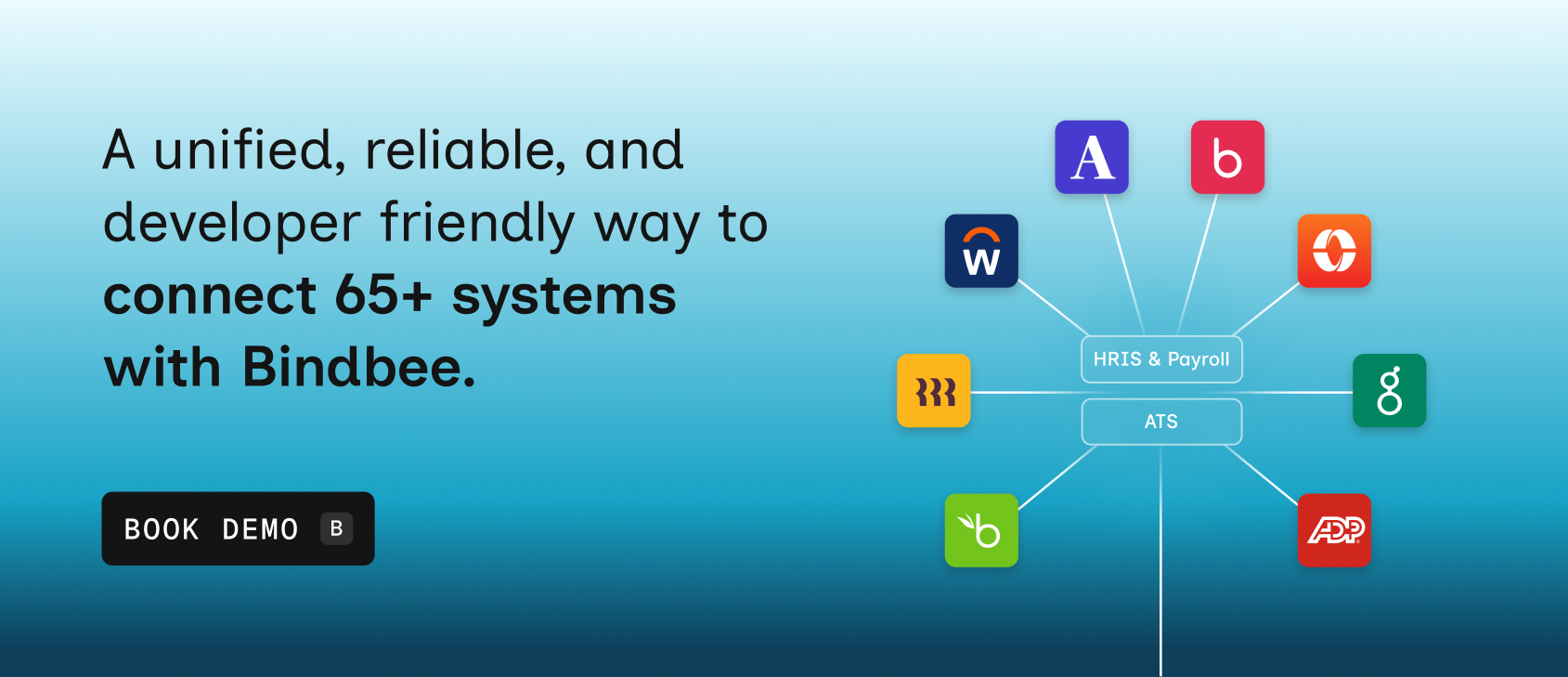
Book a demo to see how Bindbee can simplify your SAP HR integration and alignment between IT and HR teams ensure integrations remain accurate and scalable over time.