
How to Integrate Payroll with HR and Finance Functions

Summarise the blog with AI
Every time payroll runs, your HR data, headcount changes, and finance reports should already be in sync. But if your team is still chasing down discrepancies, manually reconciling compensation data, or waiting on cross-functional updates before closing the books, your payroll, HR, and finance systems aren't talking to each other.
That disconnect creates operational friction, leading to payroll errors, compliance risks, and slower decisions. In fact, only 25% of payroll programs are strategically advanced, showing how common these gaps still are.
This is where integration fixes the root problem. Instead of treating payroll as a standalone function, you connect it with HR and finance to create a unified data flow. It's about giving you real-time visibility into workforce costs, improving financial accuracy, and helping you make faster, more confident decisions.
In this blog, we'll learn what payroll integration really means, why it matters, how to approach it, the challenges you'll face, and the best practices to get it right.
At a Glance:
- Payroll integration connects HR, payroll, and finance systems to enable real-time data flow, reduce manual work, and improve accuracy, compliance, and decision-making.
- A strong integrated system relies on key components like data synchronization, standardized models, automation workflows, interoperability, and continuous monitoring.
- A structured approach, assessing systems, defining data needs, choosing integration methods, mapping data, testing, deploying, and optimizing, ensures a smooth and scalable implementation.
- Common challenges include data inconsistencies, complex integrations, lack of standardization, resource constraints, compliance risks, and limited visibility into errors.
- Successful integration depends on best practices such as standardizing data, automating syncs, proactive monitoring, thorough testing, stakeholder alignment, and planning for long-term scalability.
What Payroll Integration with HR and Finance Actually Involves
Payroll integration with HR and finance means connecting your systems so that employee data, compensation details, and financial records flow automatically between them. Instead of updating multiple platforms manually, your data stays aligned across all systems in real time.
Here's why it matters:
- Fewer Downstream Errors: Automated data flow eliminates manual entry mistakes — so employee records, salaries, and deductions stay consistent across every system without reconciliation overhead.
- Faster Payroll Cycles: Synchronized data removes the bottlenecks that slow payroll runs, freeing your HR and finance teams to focus on exceptions, not execution.
- Audit-Ready Compliance: Integrated systems maintain consistent audit trails and automate regulatory reporting, reducing your exposure to compliance violations at scale.
- Real-Time Financial Visibility: Leadership gets a live view of workforce costs, payroll trends, and headcount financials, inputs that actually move strategic decisions.
- Elimination of Redundant Workflows: You reduce duplicate data entry at the source, so your HR and finance teams redirect bandwidth toward higher-leverage work.
- Better Employee Experience: Timely payroll and accurate deductions build trust and reduce support requests from employees.
- Scalability Without Proportional Overhead: As headcount and system complexity grow, a well-integrated stack scales without adding manual lift.
Also Read: Payroll Integration: Everything You Need to Know About APIs, Use Cases, and Implementation
What a Well-Architected Payroll-HR-Finance Integration Actually Requires?
An integrated system isn't just about connecting tools; it's about ensuring the right data flows correctly between them. Several architectural components determine whether your integration holds up at scale.
- Real-Time Data Synchronization: Compensation changes, role updates, and benefits elections propagate automatically across HR, payroll, and finance, no manual triggers needed.
- System Interoperability: Your HRIS, payroll engine, and accounting platform need to communicate through APIs or a unified integration layer; anything less creates brittle, point-to-point dependencies.
- Standardized Data Models: Consistent schemas across systems prevent field mismatches, reduce reconciliation work, and make your integration portable as your stack evolves.
- Event-Driven Automation: Lifecycle events, hires, promotions, compensation changes, and terminations should trigger downstream updates automatically. If your team is manually initiating these, that's a process gap.
- Compliance and Reporting Infrastructure: Integrated systems should generate audit-ready records and map directly to payroll, tax, and benefits reporting requirements — not require a separate reconciliation step.
- Proactive Error Monitoring: Continuous sync monitoring catches failed transfers and data inconsistencies before they surface as payroll errors or compliance gaps.
Step-by-Step Process to Integrate Payroll with HR and Finance Functions
Most integration failures aren't technical; they're architectural. Teams rush to connect systems without aligning on data ownership, update frequency, or failure handling. Here's how to build it right.
1. Audit Your Current Data Landscape
Before you connect anything, map how data actually moves today, not how it's supposed to.
- Identify every HR, payroll, and finance platform in your stack.
- Document where data originates, where it lands, and where it gets manually touched in between.
- Identify sync delays, field mismatches, and reconciliation steps that signal integration debt.
2. Define Data Ownership and Sync Requirements
Ambiguity around data ownership causes integration failures. Resolve it upfront.
- Decide which systems own which data: HRIS for employee records, payroll for compensation, ERP for financials.
- Establish field-level standards: naming conventions, data types, and update frequency.
- Define your source of truth for each data type before you build.
3. Choose an Integration Architecture That Scales
- Custom-built APIs: Offers flexibility but requires ongoing maintenance.
- Middleware solutions: Act as a bridge between platforms, simplifying connections.
- Unified API platforms (like Bindbee): Integrate once and connect to multiple systems instantly.
4. Standardize and Map Data Across Systems
- Create a canonical data model that all systems map to.
- Document field-level mappings for every integration point.
- Validate data consistency before running large-scale syncs.
5. Run a Structured Testing Phase
- Start with controlled, small-batch data transfers.
- Validate calculation accuracy, record integrity, and correct posting to finance.
- Stress-test error handling: What happens when a sync fails mid-run?
6. Deploy and Monitor Continuously
- Set up automated alerts for failed or delayed transfers.
- Track API performance and stay ahead of vendor-side changes.
- Build dashboards that give your team real-time visibility into sync health.
7. Optimize and Scale
- Automate high-frequency workflows, onboarding, offboarding and benefits enrollment.
- Expand coverage to additional HR modules or finance tools as your stack evolves.
- Schedule periodic reviews to keep the integration aligned with compliance and business changes.
Also Read: Payroll Software Integration for Efficient HR and Payroll Operations
Where Payroll-HR-Finance Integrations Break Down
- Data Inconsistency: Field-level mismatches between HR, payroll, and finance systems are the most common source of silent errors.
- API Complexity: Every platform has its own API design, versioning cadence, and rate limits.
- No Standardization Layer: Without a shared data model, your integration becomes brittle.
- Engineering Bandwidth: Integration projects routinely take 4–6 weeks per system.
- Compliance Exposure: Payroll and financial data carry strict regulatory requirements.
- Silent Failures: Without proactive monitoring, a failed sync doesn't announce itself.
How Bindbee Can Simplify Payroll, HR, and Finance Integration
Instead of building integrations one by one, Bindbee provides a unified API that connects you to 65+ HRIS, payroll, and ATS systems.
- Deep, normalized data models
- Real-time syncing and webhooks
- Pre-built connectors accelerate deployment
- Low-code developer experience
- Embedded connection flows
- Unified monitoring and transparency
- Enterprise-grade security and compliance
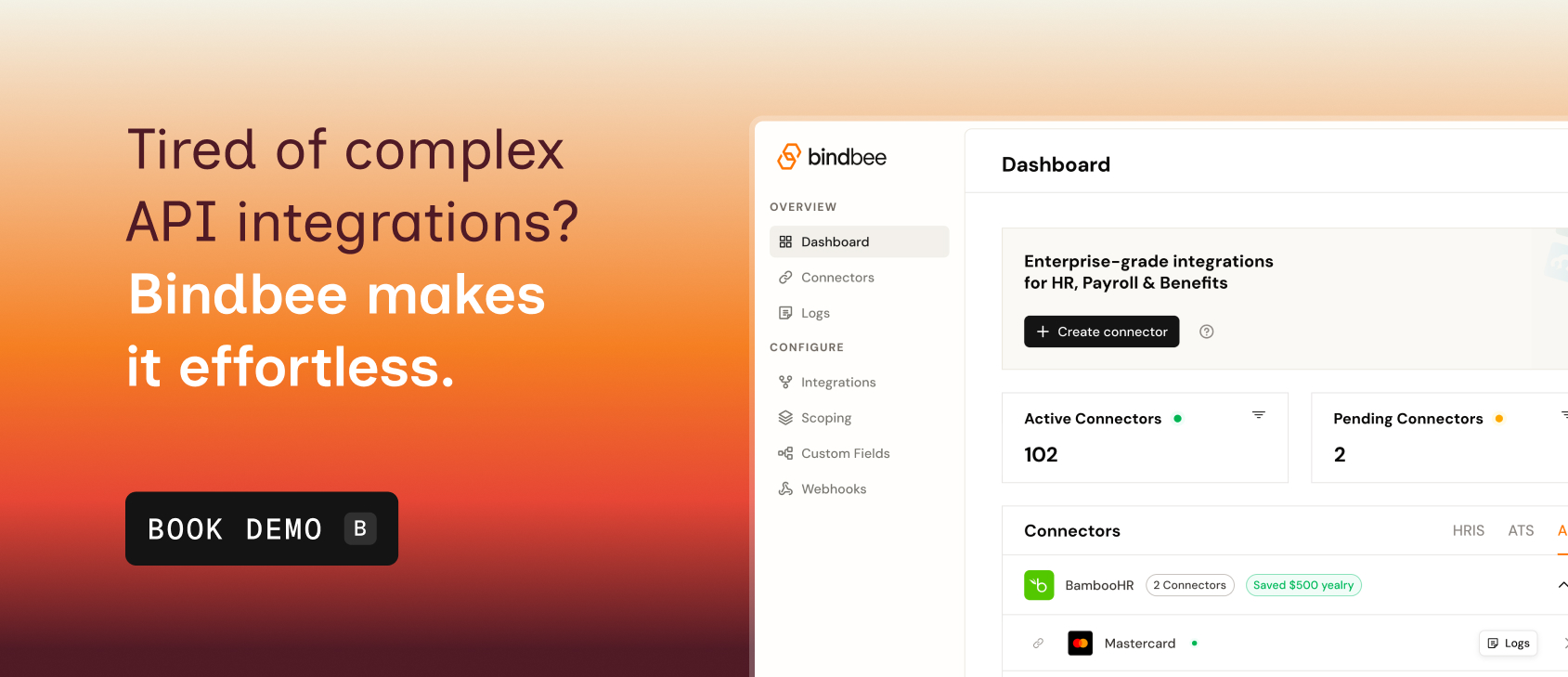
Book a demo to see how you can simplify payroll, HR, and finance integration without the usual complexity.