Application Integration: Key Examples and Insights
Summarise the blog with AI

You’re expected to ship integrations your customers already rely on, but every new system slows you down. One client needs payroll data from ADP, another runs on Workday, and a third uses a niche HRIS your team has never touched. Each integration takes weeks to build, then keeps breaking as APIs change. Your engineers spend more time fixing sync issues than building your core product. Meanwhile, your sales team loses deals because prospects expect integrations to already exist, not sit on your roadmap.
The way out isn’t building faster, it’s integrating smarter. With the global application integration market projected to reach USD 115.71 billion by 2035, businesses that streamline how their products connect with external systems gain a clear advantage. Standardizing integrations reduces build time, improves data consistency, and frees your team to focus on what actually drives growth.
The right approach, backed by proven application integration examples, lets you connect once and scale across platforms without repeating work. This blog walks you through application integration examples, strategies that hold up in production, and where most teams get it wrong.
Key Takeaways:
- Application integration connects disparate systems to automate workflows, improve data accuracy, and accelerate decision-making across your organization.
- Integration approaches vary from point-to-point and middleware to API-based and unified API strategies, each offering different scalability and maintenance considerations.
- Real-world examples show integrations across HR, payroll, benefits platforms, ATS, LMS, and retirement systems , improving efficiency and accuracy in daily operations.
- Key strategies for successful integration include standardizing data, choosing the right build vs. buy approach, enabling real-time syncing, monitoring errors, and designing for scalability.
- Common challenges include time-intensive development, ongoing maintenance, data inconsistencies, scaling complexity, and impacts on product roadmap and revenue.
What is Application Integration and Why It Matters
Application integration connects different software systems so they can share data and work together without manual intervention. Instead of isolated tools, you get a connected ecosystem where data flows automatically across platforms.
Here’s why it matters:
- Reduces manual work: Instead of your team updating multiple systems, integrations handle data flow automatically, saving hours of repetitive effort and reducing human error.
- Improves workflow speed: Processes like onboarding, payroll runs, and benefits enrollment move faster because data flows instantly between systems.
- Enhances data accuracy: When updates happen in one system and reflect everywhere else in real time, you avoid mismatches that lead to costly corrections.
- Supports better decision-making: With consistent and up-to-date data across tools, you get a clearer view of operations, helping you make faster and more confident decisions.
- Directly impacts revenue and growth: Faster integrations mean quicker customer onboarding, fewer operational delays, and a higher chance of closing deals that depend on system compatibility.
Types of Application Integration

Different integration approaches solve different problems. Choosing the right one depends on your scale, resources, and how critical real-time data is to your product.
- Point-to-Point Integration: This is the most direct approach, connecting one application to another using custom logic. It works for simple use cases, but it doesn’t scale. As you add more systems, the number of connections grows exponentially, making maintenance complex and fragile.
- Middleware-Based Integration: Middleware acts as a central layer that connects multiple applications. Instead of building individual connections, systems communicate through this intermediary. It improves scalability but still requires configuration, management, and ongoing updates.
- API-Based Integration: Modern systems rely on APIs to exchange data. API-based integration is more flexible and scalable than point-to-point connections, but it still requires you to build and maintain each integration separately. Every API has its own structure, authentication, and quirks.
- Unified API Integration: This approach abstracts multiple integrations into a single API layer. Instead of building integrations one by one, you integrate once and access multiple systems through a standardized schema. It significantly reduces development time and ongoing maintenance.
Also Read: Application Integration Benefits: Productivity & Growth
Real-World Application Integration Examples
Understanding the integration conceptually is useful, but real value comes from seeing how it works in practice. The following application integration examples reflect common use cases across HR Tech, benefits platforms, and related SaaS products.
1. HRIS and Payroll Integration
In many organizations, employee data originates in an HRIS but needs to flow into payroll systems. Without integration, teams manually export and import data, causing errors and delays.
With proper integration:
- Employee records update automatically
- Salary and compensation changes sync in real time
- Payroll processing becomes faster and more accurate
This reduces operational friction and maintains compliance, especially when handling sensitive financial data.
2. Benefits Platform and Payroll Deduction Integration
Benefits platforms rely on accurate payroll deductions. When systems are not connected, deduction errors become common, leading to employee dissatisfaction and extra administrative work.
With integration in place:
- Deductions are calculated and synced automatically
- Eligibility and dependent data remain consistent
- Enrollment processes become smoother
This is critical for benefits providers, where accuracy directly impacts trust and retention.
3. LMS and HR System Integration
Learning management systems need up-to-date employee data to assign training, track progress, and manage compliance.
Without integration:
- Teams manually upload employee rosters
- Training assignments become outdated
- Lifecycle events like promotions or exits are not reflected
With integration:
- Employee data syncs automatically
- Training programs adjust based on role changes
- Compliance tracking stays reliable
This simplifies workflows and improves employee experience.
4. ATS and HRIS Integration
Recruiting teams run on ATS platforms, but once a candidate is hired, that data needs to live in the HRIS. Without integration, HR teams manually re-enter new hire information, creating delays and errors right at the start of the employee lifecycle.
With integration:
- New hire records transfer automatically from ATS to HRIS
- Onboarding workflows trigger without manual intervention
- Employee data stays consistent from day one
For HR Tech platforms, this connection directly impacts how fast employers can get new hires productive, and how much your product is trusted to handle it.
5. 401(k) and Payroll Integration
For retirement providers, timely and accurate contribution data is critical. Without integration, onboarding new employees and managing contributions becomes slow and error-prone.
With integration:
- Contributions sync automatically from payroll systems
- Employee demographic data updates in real time
- Onboarding timelines shrink from weeks to days
This reduces delays and improves client experience.

Key Insights from Successful Application Integration

Building integrations is one thing. Building them in a way that scales is another. The difference comes down to strategy.
1. Prioritize Standardization
Every system structures data differently. Without standardization, your integrations become brittle and difficult to maintain.
A standardized schema ensures:
- Consistent data mapping across systems
- Faster onboarding of new integrations
- Reduced risk of data mismatches
This is especially critical in HR ecosystems, where fields like employee roles, compensation, and benefits vary across platforms.
2. Choose Build vs Buy Carefully
Building integrations in-house gives you control, but it comes at a cost. Each integration takes weeks to build and requires continuous updates as APIs change.
Buying or using a unified API solution reduces this workload:
- Faster time to market
- Lower engineering overhead
- Built-in maintenance and updates
The right choice depends on your resources, but most growing SaaS companies benefit from not reinventing integrations.
3. Invest in Real-Time Data Syncing
Batch updates create delays. In fast-moving workflows like payroll or benefits enrollment, delays cause real problems.
Real-time syncing ensures:
- Data updates instantly across systems
- Errors get detected and resolved faster
- Users always work with accurate information
This helps you work more smoothly and keeps your users happy.
4. Implement Monitoring and Error Handling
Integrations don’t fail all at once; they fail in small, silent ways. If you don’t monitor them properly, you won’t notice issues until they affect users.
A strong integration strategy includes:
- Automated retries
- Error logging
- Alerts for failed syncs
This lets you address issues proactively rather than reacting later.
5. Design for Scalability from the Start
Your integration needs today are smaller than what they’ll be in a year. If your architecture can’t handle growth, you’ll end up rebuilding it.
Scalable integration means:
- Supporting multiple systems without exponential complexity
- Handling increasing data volumes efficiently
- Adapting to new APIs without major rework
The goal isn’t just to integrate—it’s to integrate in a way that doesn’t slow you down later.
Also Read: 10 Best Application Integration Tools for SaaS in 2026
Challenges in Application Integration
Even with the right strategies, integration comes with real challenges. Ignoring them leads to delays, technical debt, and lost opportunities.
- Time-Intensive Development: Building a single integration can take 1–1.5 months. Multiply that by the number of systems your customers use, and you’re looking at a significant investment of engineering time.
- Ongoing Maintenance Burden: APIs don’t stay static. Vendors update endpoints, change data structures, and introduce new requirements. Every change requires updates on your side, creating continuous maintenance work.
- Data Inconsistencies: When systems don’t sync correctly, data mismatches occur. These inconsistencies can lead to operational issues, compliance risks, and a loss of trust from customers.
- Scaling Complexity: As you add more integrations, the complexity increases. Managing multiple APIs, handling different authentication methods, and maintaining consistency across systems becomes increasingly difficult.
- Impact on Product Roadmap: Every hour spent on integrations takes time away from your core product, slowing innovation and delaying feature releases, which can leave you behind competitors.
- Sales and Revenue Impact: Missing integrations can cost you deals. Prospects expect your product to work with their existing systems. If it doesn’t, they move to a competitor that already supports those integrations.

How Bindbee Can Streamline Application Integration
Most teams don’t struggle with the idea of integration; they struggle with execution at scale. That’s exactly where Bindbee fits.
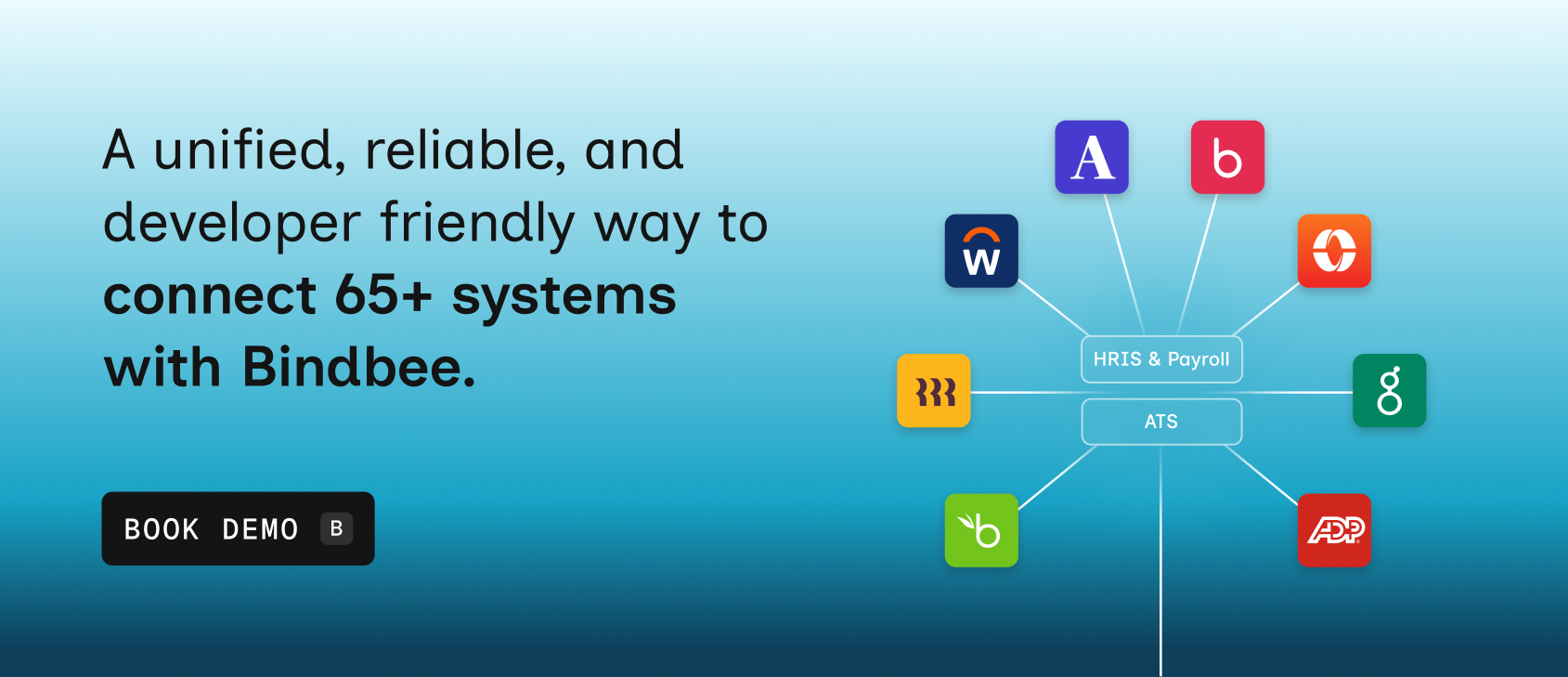
Bindbee replaces the need to build and maintain individual integrations by providing a single unified API that connects to 65+ HR systems.
Here’s how we can help you:
- Launch integrations in minutes, not months: Prebuilt connectors and developer‑ready tools mean you can go live with new employer integrations in under 5 minutes, removing long development cycles.
- Standardized, normalized data: Bindbee consolidates fragmented data from different platforms into a consistent schema, so you never wrestle with mismatched employee, payroll, or benefits fields again.
- Real‑time sync plus webhooks: Changes in source systems propagate instantly through real‑time syncing and webhook notifications—no manual pulls or nightly batch jobs.
- Unified monitoring and error resolution: A centralized dashboard shows sync statuses, logs, and issues across all connected systems, so you catch and fix problems before they impact customers.
- Low‑code deployment: Bindbee offers SDKs and easy‑to‑embed UI components, meaning your developers spend minimal time wiring up integrations and more time building user value.
- Security and compliance by default: SOC2, ISO 27001, HIPAA, and GDPR compliance are built into Bindbee’s platform, letting you offer robust and compliant integrations without reinventing the security stack.
- Improved onboarding experience: Built‑in onboarding flows like magic links remove friction for your customers, meaning less support overhead and faster time to value.
- Deep HR data models for real use cases: Instead of superficial field mappings, Bindbee exposes full HRIS and payroll objects—like dependents, time off, compensation, and deductions—so your product can leverage the same data your clients rely on.
- Reduce engineering maintenance load: Bindbee handles versioning, API changes, and connector updates, freeing your engineers from constant maintenance work that distracts from core product features.
- Support revenue and sales teams: With live integrations, you can demonstrate during demos and support broad HR ecosystem coverage, sales cycles shorten, and you avoid losing deals because of missing connectors.
In short, Bindbee turns integration from a bottleneck into a competitive advantage.
Conclusion
Application integration isn’t optional anymore. If your systems don’t work together, your operations slow down, your data becomes unreliable, and your teams spend time fixing problems instead of moving forward.
The right approach changes that. For HR Tech and benefits platforms, strong integrations mean faster employer onboarding, accurate payroll deductions, real-time benefits syncing, and a product your customers can actually rely on.
If you’re still building and maintaining integrations one by one, it’s worth rethinking that approach. Solutions like Bindbee give you a faster, more scalable way to connect systems without draining your engineering resources.
Book a demo and explore how Bindbee can help you streamline your integration strategy.
FAQs
1. How do CRM and ERP systems integrate for better efficiency?
Integrating CRM and ERP systems allows seamless data flow between customer-facing and back-office operations. This ensures accurate inventory, streamlined order processing, and real-time customer insights, reducing manual entry, improving collaboration, and boosting overall operational efficiency.
2. What is an example of file storage integration with products?
An example is integrating cloud storage like Google Drive or Dropbox with project management tools such as Asana or Slack. This allows users to attach, share, and manage files directly within the application, ensuring centralized access, version control, and enhanced team collaboration.
3. How can prospect data sync with ATS systems?
Prospect data from CRMs or lead generation platforms can sync with Applicant Tracking Systems via API or middleware. This ensures candidate profiles, resumes, and interactions are automatically updated, improving recruitment workflows, reducing manual data entry, and accelerating the hiring process.
4. What steps are involved in building a CI/CD pipeline for integration?
Key steps include code repository setup, automated testing, build automation, deployment scripting, and environment configuration. Continuous integration ensures code changes are validated, while continuous delivery/deployment automates releases, enabling faster, reliable, and consistent software integration across systems.
5. What insights come from integrating BI tools with data sources?
Integrating BI tools with data sources consolidates information for advanced analytics, enabling trend identification, performance tracking, and predictive insights. Businesses gain actionable intelligence, visualize KPIs, and make data-driven decisions to optimize processes, sales, and overall operational efficiency.