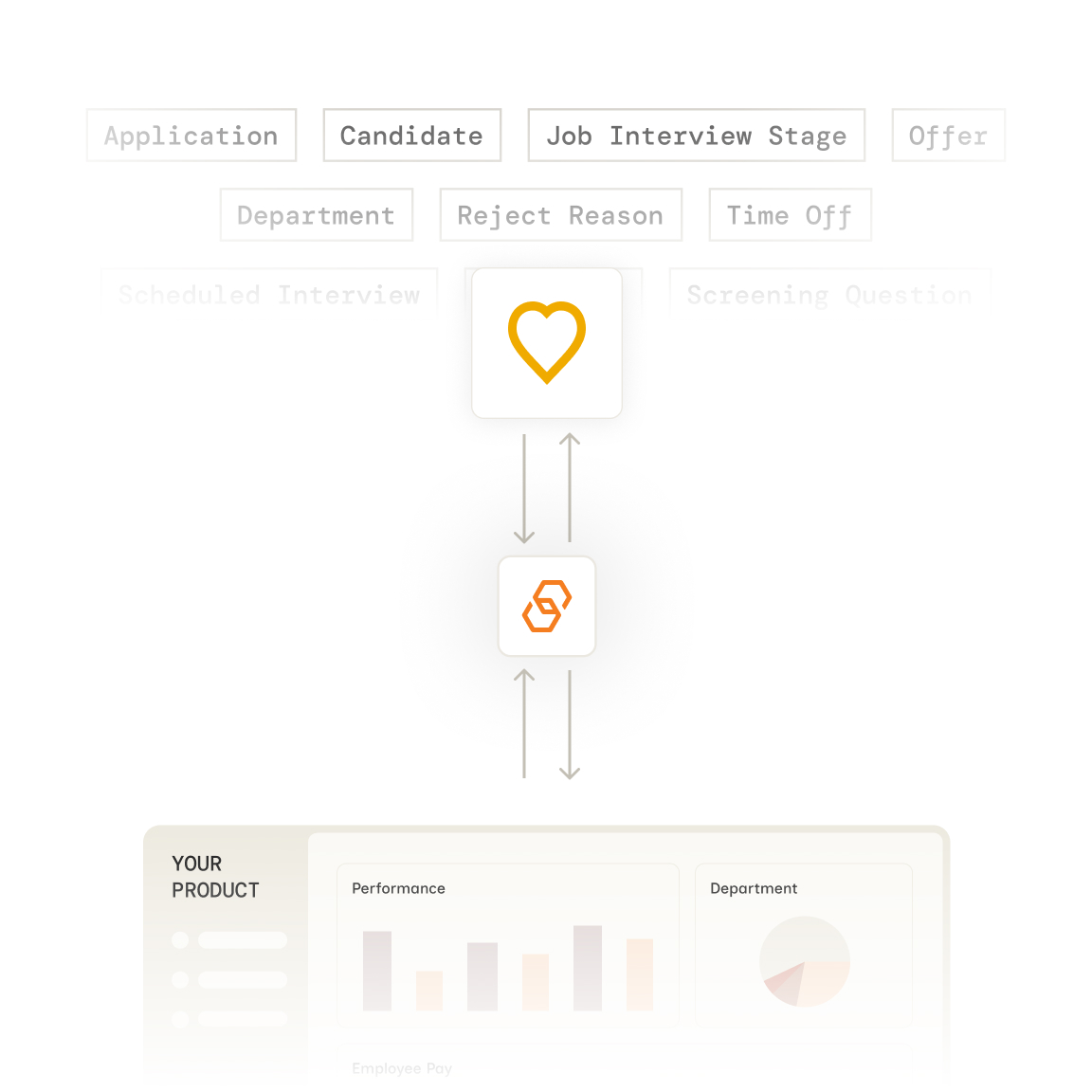
Bindbee simplifies SAP SuccessFactors integration with HRIS, Payroll, and Benefits platforms. Sync employee records, payroll data, benefits information, and more in real-time across systems. Our no-code Unified API allows quick setup, ensuring secure data transfer and scalability. Streamline HR processes and maintain compliance with Bindbee's seamless integration solutions.



























Bindbee normalizes SAP SuccessFactors's data into our unified models. One integration, consistent data structure across 67+ HR systems.
Authenticate via Magic Link—our drop-in auth component. Your customer logs in to SAP SuccessFactors and grants access in minutes.
We normalize SAP SuccessFactors data to unified models with automatic incremental syncs. Employee, compensation, benefits, and dependent data stays fresh.
One REST API for SAP SuccessFactors and 67+ other HR systems. Same endpoints, same data structure, regardless of your customer's payroll provider.

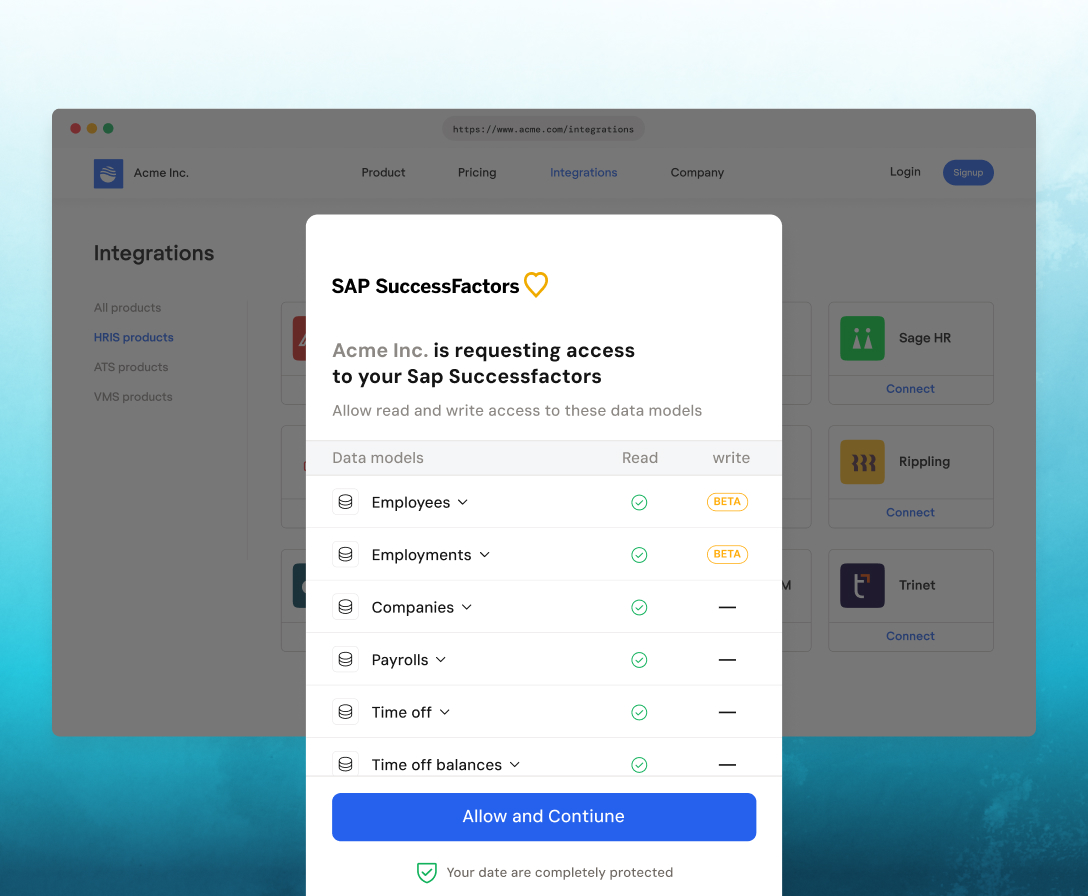
Customers authenticate effortlessly via Magic Link, with an embeddable SDK that enables seamless, in-app connections.
Most customers complete setup in under 10 minutes. Your end-user authenticates via Bindbee Link, and initial data sync begins immediately.
Your customer needs admin access and an API user for their SuccessFactors instance. Bindbee Link guides them through authorization. No credentials are stored on your servers.
Yes. The Benefit model shows employee benefit enrollments including plan name, plan type, provider, employee and company contributions, frequency, and effective dates.
Yes. The Dependent model includes name, relationship, date of birth, gender, SSN, and contact details. Dependent Benefit links each dependent to the employer benefits that cover them.
Yes. Bindbee syncs payroll run data including gross pay, net pay, earnings, deductions, and taxes. The Employee Payroll Run model contains individual pay statement details.
Yes. The manager field on Employee objects contains the manager's Bindbee ID, and department, division, and Group parent_group describe the org structure.
Yes. Use employment_status or check the termination_date field. Historical employee records remain accessible.
Yes. Enable include_custom_fields=true in your API requests. Custom fields appear in the custom_fields object with their original SuccessFactors field names.
Initial sync completes in minutes. After that, Bindbee runs incremental syncs automatically. You can also trigger manual syncs via the API or dashboard.
You don't. Bindbee manages rate limiting with SuccessFactors' API internally. We cache data and handle retries automatically.





We use cookies to improve your experience on our site. By using our site, you are agreeing to the collection and use of data as described in our privacy policy.