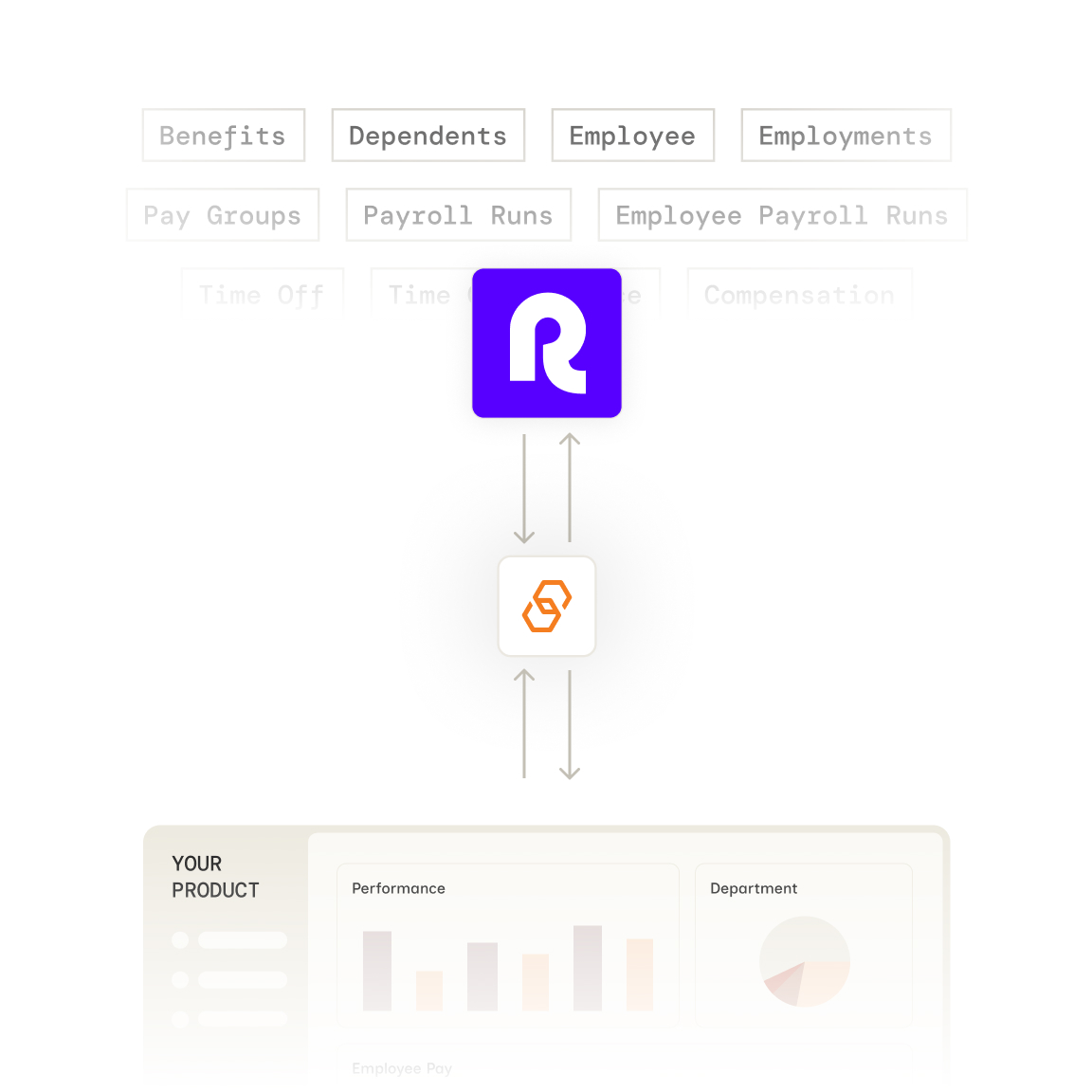
Stop building Remote integrations from scratch. Bindbee gives you one API to pull global employee records, compensation, bank details, time off, and timesheets from Remote, normalized to the same models you use for 110+ other HR and payroll systems.



























Bindbee normalizes Remote's data into our unified models. One integration, consistent data structure across 110+ HR systems.
Authenticate via Magic Link—our drop-in auth component. Your customer logs in to Remote and grants access in minutes.
We normalize Remote data to unified models with automatic incremental syncs. Employee, compensation, benefits, and dependent data stays fresh.
One REST API for Remote and 110+ other HR systems. Same endpoints, same data structure, regardless of your customer's payroll provider.

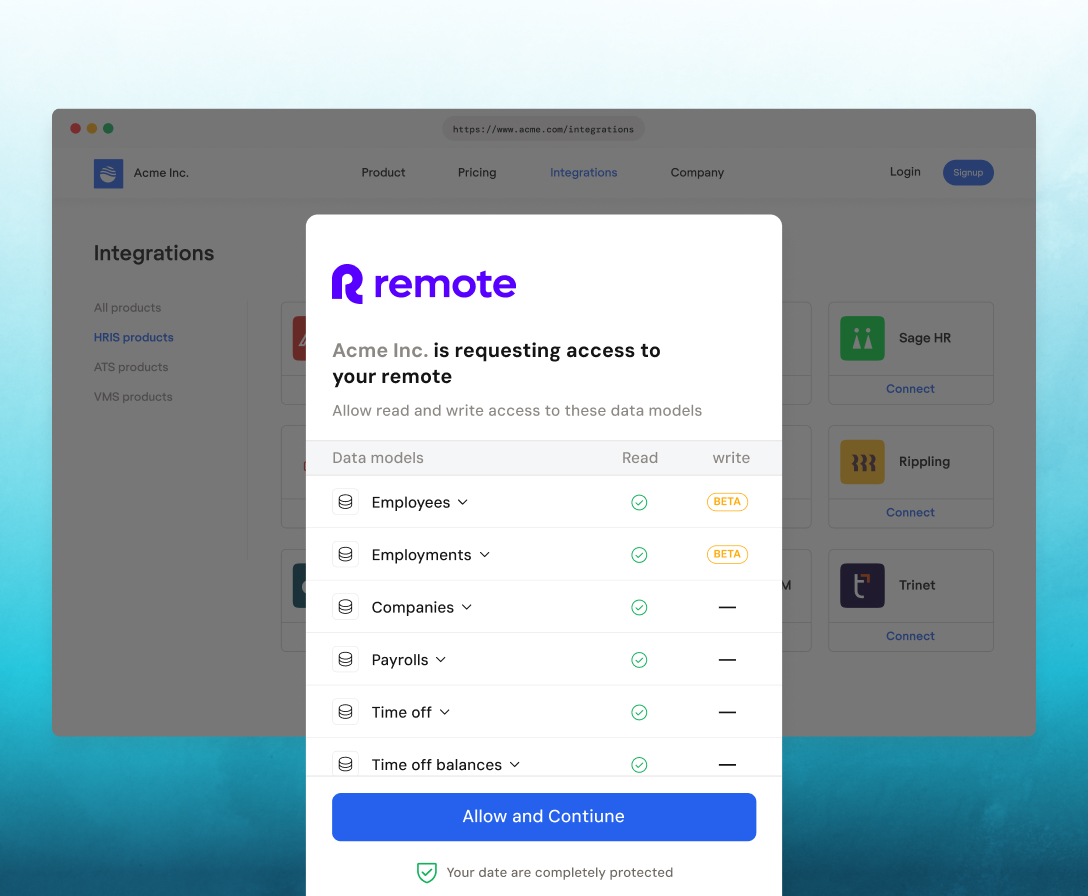
Customers authenticate effortlessly via Magic Link, with an embeddable SDK that enables seamless, in-app connections.
Bindbee syncs Employee, Employment, Compensation, Bank Info, Time Off, Timesheet Entry, Company, and Group data from Remote. That covers profiles, job details, managers, pay rates and currency, bank accounts, leave requests, and hours worked.
A Remote API token generated by a Company Admin under Company Settings → Integrations & APIs. Your customer pastes it into Bindbee Link; credentials are never stored on your servers.
Yes. Bindbee syncs the employees your customer manages in Remote, including internationally hired staff, into the same unified Employee model you use for domestic HRIS data.
Yes. The Compensation model returns pay_rate, pay_period, and pay_currency, so you get each employee's pay in the currency they're paid in.
Yes. The Bank Info model returns bank name, account number, routing number, and account type. The data is encrypted in transit and at rest.
Yes. Time Off returns leave requests with type, status, dates, and amount. Timesheet Entry returns date, start and end times, and hours worked.
Not today. Bindbee's Remote connector covers compensation and bank data but not individual payroll runs. Contact us if pay statements matter for your use case.
You don't. Bindbee manages requests to Remote's API, retries failures, and serves your calls from synced data.
Bindbee syncs Remote on a schedule, not in real time. After the first sync, incremental syncs keep data current, and webhooks tell you when new data is ready. You can also trigger a sync through the API.





We use cookies to improve your experience on our site. By using our site, you are agreeing to the collection and use of data as described in our privacy policy.