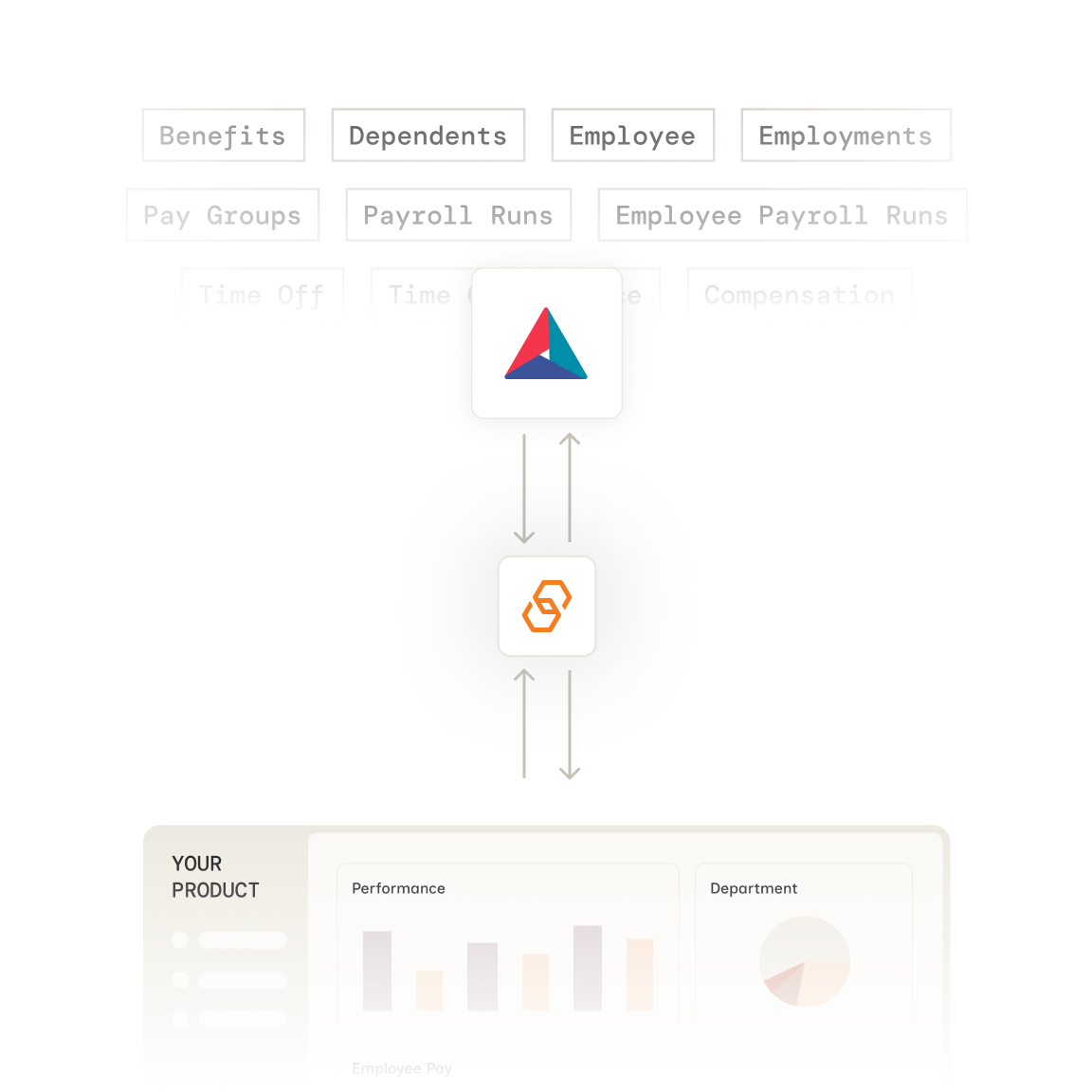
Stop building PrismHR integrations from scratch. Bindbee gives you a single API to sync employee and company data—without the maintenance headaches.



























Bindbee normalizes PrismHR's data into our unified models. One integration, consistent data structure across 67+ HR systems.
Authenticate via Magic Link—our drop-in auth component. Your customer logs in to PrismHR and grants access in minutes.
We normalize PrismHR data to unified models with automatic incremental syncs. Employee, compensation, benefits, and dependent data stays fresh.
One REST API for PrismHR and 67+ other HR systems. Same endpoints, same data structure, regardless of your customer's payroll provider.

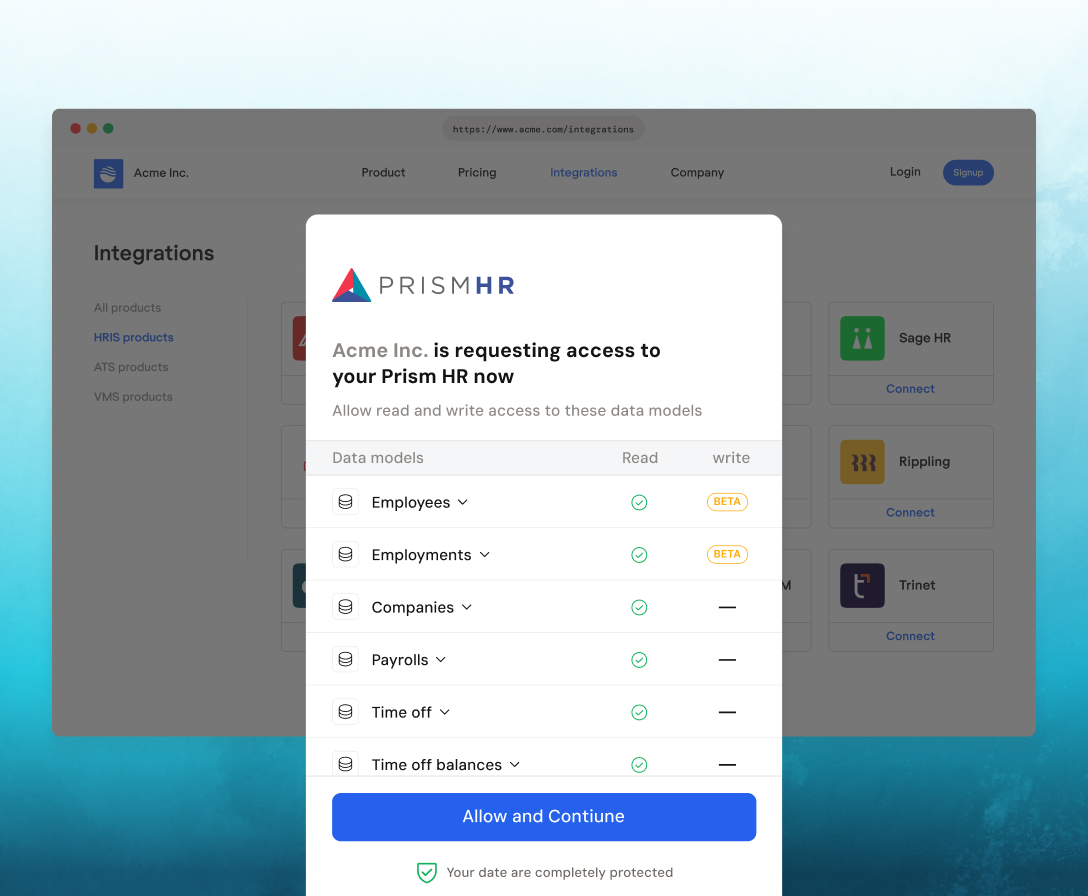
Customers authenticate effortlessly via Magic Link, with an embeddable SDK that enables seamless, in-app connections.
Most customers complete setup in under 10 minutes. Your end-user authenticates via Bindbee Link, and initial data sync begins immediately.
Your customer needs admin access to their PrismHR account. Bindbee Link guides them through authorization. No credentials are stored on your servers.
Bindbee syncs core employee profile data including name, username, date of birth, gender, avatar, start date, and the linked company. Company-level data includes legal name, display name, and EINs.
Yes. Enable include_custom_fields=true in your API requests. Custom fields appear in the custom_fields object with their original PrismHR field names.
Initial sync completes in minutes. After that, Bindbee runs incremental syncs automatically. You can also trigger manual syncs via the API or dashboard.
Yes. When PrismHR provides an avatar URL, it appears in the avatar field on the Employee object.
You don't. Bindbee manages rate limiting with PrismHR's API internally. We cache data and handle retries automatically.
Bindbee syncs data periodically, not in real-time. For most use cases, near-real-time data is sufficient. Webhooks notify you when new data is available.





We use cookies to improve your experience on our site. By using our site, you are agreeing to the collection and use of data as described in our privacy policy.