What Is Product Integration? 8 Approaches That Don’t Stall GTM
.avif)
Summarise the blog with AI
Every SaaS team reaches the same crossroads: your customers want integrations, your roadmap can't absorb the cost, and your engineering team is already stretched. The question isn't whether to build integrations. It's how to approach them without stalling everything else.
Product integrations connect your platform to the systems your customers already use. Done well, they remove friction, accelerate adoption, and make switching costs high. Done poorly, they become a maintenance burden that slows down every release cycle.
This guide covers the eight integration approaches that actually work, what they're suited for, and how to decide which fits your product.
What Is Product Integration?
Product integration is the process of connecting your SaaS product to external systems so data and workflows move between them automatically. This includes the systems your customers use (HRIS, payroll, CRM, ERP) and the data flows your product depends on (employee records, compensation, benefits enrollment, financial data).
Integration isn't a feature. It's infrastructure. It determines what your product can do, which customers you can serve, and how fast you can close deals.
8 Product Integration Approaches
1. Direct API Integration
You build a connector directly to a third-party system's API. Full control, full maintenance responsibility. Works for a small number of critical integrations where you need deep customization.
Best for: High-priority integrations where off-the-shelf connectors don't provide the depth you need.
Trade-off: Each integration takes 4-8 weeks to build and ongoing engineering to maintain as APIs evolve.
2. Webhook-Based Integration
Your product listens for events from external systems and reacts in real time. A new hire in Workday triggers an enrollment workflow in your platform. A compensation change in ADP updates a dashboard instantly.
Best for: Event-driven workflows where latency matters, such as benefits eligibility, payroll deductions, and offboarding.
Trade-off: Requires the source system to support webhooks, which not all HRIS platforms do consistently.
3. File-Based Integration (SFTP/CSV)
Data is exported from one system and imported into another on a schedule. Older approach but still common in payroll and benefits administration.
Best for: Legacy systems that don't expose APIs, or high-volume batch workflows where real-time sync isn't required.
Trade-off: Introduces latency, creates data quality risks, and requires error handling for malformed files.
4. Embedded iPaaS
You embed a workflow automation layer inside your product, letting customers configure their own integrations through a UI. Platforms like Paragon or Tray.io support this model.
Best for: Products where customers need flexible, configurable integration logic across a wide variety of apps.
Trade-off: Adds complexity to your product surface. Works well for general workflow automation but lacks depth for HR-specific data models.
5. Unified API
A single API abstracts multiple systems in a category, HR, payroll, ATS, into a normalized interface. You integrate once and get access to all of them.
Best for: HR Tech and benefits platforms that need to support dozens of HRIS systems without building and maintaining individual connectors.
Trade-off: Less flexibility for highly custom workflows, but the depth and coverage trade-off is usually worth it at scale.
6. Native Integrations Marketplace
You build and publish integrations to your customers through a marketplace inside your product. Customers browse and activate integrations themselves.
Best for: Products with a broad customer base and diverse integration needs, where self-service reduces support overhead.
Trade-off: Requires investment in integration infrastructure and ongoing maintenance of a growing connector library.
7. Partnership-Led Integrations
You partner with another platform to co-build and co-market an integration. Both products benefit from the partnership and share the maintenance responsibility.
Best for: Strategic integrations where both products serve overlapping customer bases and the integration creates a meaningful workflow improvement.
Trade-off: Slower to execute and dependent on partner priorities and timelines.
8. Customer-Configured Connections
You expose authentication flows and configuration tools that let customers connect their own systems to your product. Magic link flows, OAuth prompts, and connection wizards fall into this category.
Best for: Employer-facing products where each customer connects their own HRIS, payroll, or benefits system.
Trade-off: Requires clear UX for the connection flow and support infrastructure for troubleshooting failed connections.
How to Choose the Right Approach
The right integration strategy depends on three things: how many systems you need to support, how deep your data requirements are, and how much engineering capacity you have to maintain integrations over time.
For HR Tech and benefits platforms specifically, the math usually points toward a unified API. You need coverage across ADP, Workday, Rippling, UKG, and dozens of others. Each one has a different schema, different auth flow, and different API versioning cadence. Building and maintaining all of them in-house isn't a product strategy; it's a maintenance contract.
How Bindbee Fits Into This
Bindbee is a unified API that connects HR Tech and benefits platforms to 102+ HRIS, ATS, and payroll systems through a single, normalized interface. Instead of building integrations individually, you integrate once and get consistent employee, compensation, deduction, and time-off data across your entire customer base.
Key capabilities:
- 102+ HRIS, ATS, and payroll connectors maintained by Bindbee
- Normalized data models for employees, compensation, deductions, dependents, and more
- Read and write support for core HR objects
- Embedded auth flows for employer self-service connection
- Real-time webhooks for HR lifecycle events
- SOC 2, HIPAA, and ISO 27001 compliance
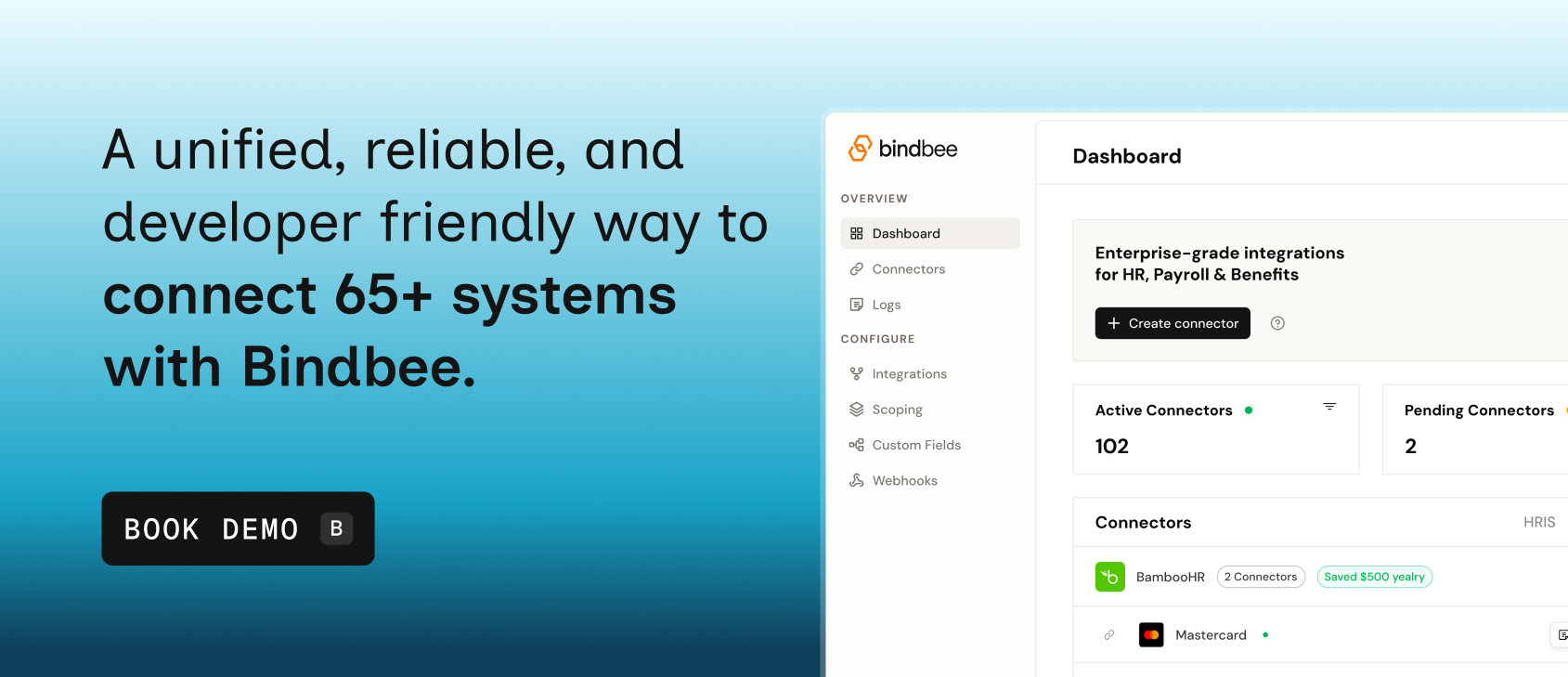
Book a demo to see how Bindbee's unified API fits into your product integration strategy.